
|
Do it yourself
| |||
| ||||


Vauxhall Mokka - Car stereoCar Stereo Vauxhall Mokka (2012-2019 / mokka a) Vauxhall Mokka (2012-2019 / Mokkaa)
How to Remove and Replace the Radio on the Opel Mokka In just a few simple steps, you will discover the instructions for disassembling and replacing the standard radio of the Opel Mokka. First, get inside the …Read all… Posted on 28 April 2026 by ScegliAuto 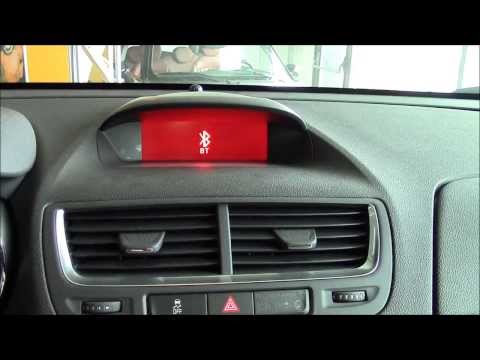 Vauxhall Mokka (2012-2019 / Mokkaa)
How the Opel Mokka A's CD400 infotainment system works In this video, see how the CD400 infotainment system in the first series Opel Mokka works. The controls are located on the central dashboard, with the power …Read all… Posted on 15 September 2026 by ScegliAuto 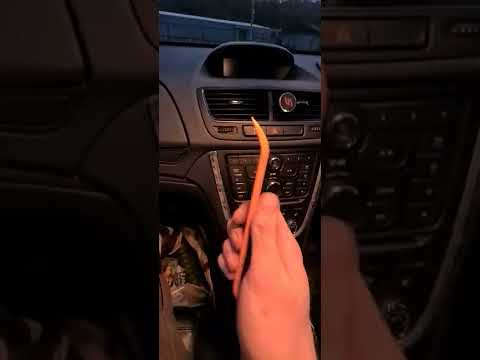 Vauxhall Mokka (2012-2019 / Mokkaa)
How to Remove the Trim Around the Radio of the Opel/Vauxhall Mokka In this video, see how to remove the trim around the radio of an Opel/Vauxhall Mokka, where the chrome paint is peeling off. It is not possible to remove just …Read all… Posted on 23 August 2026 by ScegliAuto 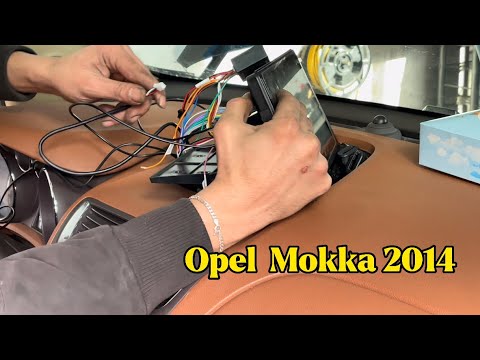 Vauxhall Mokka (2012-2019 / Mokkaa)
How to Install an Android Display on the Opel Mokka This guide shows you how to install a new Android multimedia system with a display on the Opel Mokka. First, get inside the vehicle and begin removing the …Read all… Posted on 28 July 2026 by ScegliAuto 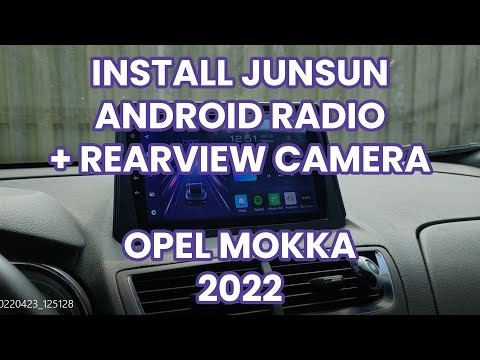 Vauxhall Mokka (2012-2019 / Mokkaa)
How to Replace the Radio in the Opel Mokka? To replace the radio in the Opel Mokka, use a thin object as a lever to detach the trim that surrounds the central dashboard panel: beneath this trim, you will …Read all… Posted on 31 August 2026 by ScegliAuto 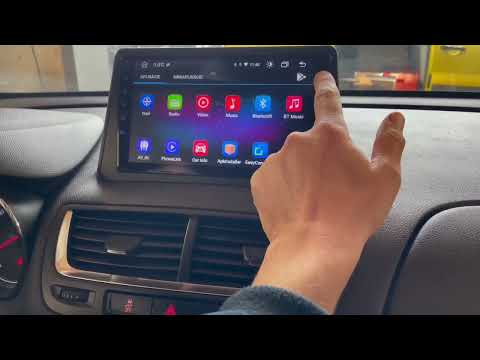 Vauxhall Mokka (2012-2019 / Mokkaa)
Replacing the Stereo in the Opel Mokka If you want to remove the stereo in this model of car, the description provided below will give you the information and guidance needed for disassembly. First, …Read all… Posted on 7 August 2026 by ScegliAuto 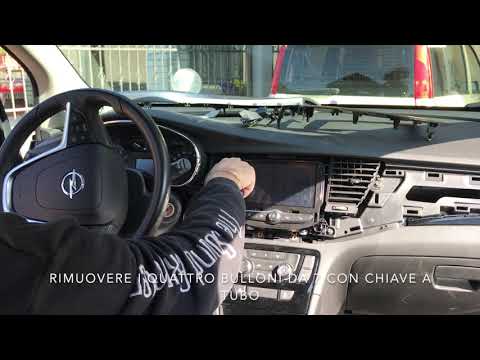 Vauxhall Mokka (2012-2019 / Mokkaa)
How to Remove the Original Radio from an Opel Mokka Do you want to remove the original radio from an Opel Mokka but don’t know how? In this video, learn how to remove the original stereo. Remove the stereo …Read all… Posted on 20 March 2026 by ScegliAuto 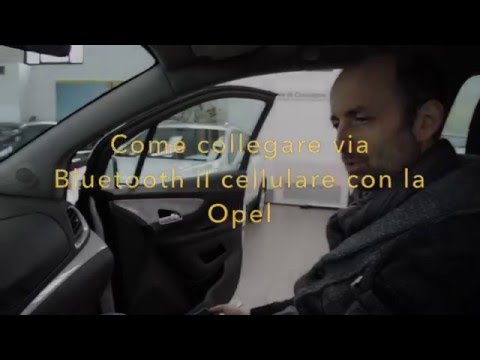 Vauxhall Mokka (2012-2019 / Mokkaa)
How to Pair Your Smartphone to an Opel Mokka Follow this video to pair your smartphone with the Bluetooth system of the car radio in an Opel. Turn on the radio of your vehicle, activate the Bluetooth on …Read all… Posted on 13 March 2026 by ScegliAuto Cigarette lighter (1) Airbag (4) Antenna (1) Car stereo (8) Battery (4) Transmission (1) Spark plugs (3) Glow plugs (1) Body (5) Key (20) Timing belt (16) V-belt (1) Onboard computer (9) Checks and maintenance (32) Dashboard (3) Brake rotors (2) Side marker light (3) Headlight (2) Tail light (2) Fog lights (4) Air filter (13) Cabin air filter (28) Fuel filter (1) Diesel fuel filter (6) Oil filter (6) Parking brake (13) Accessory kit (1) Light bulb (5) Side marker bulb (1) Headlight bulb (17) Tail light bulb (9) Interior dome light bulb (1) Antifreeze coolant (1) Instrument panel light (1) License plate light (2) Handle (1) Engine (2) Engine oil (8) Clock (13) Door trim panel (3) Front bumper (1) Rear bumper (2) Brake pads (6) Tires (1) Shift knob (2) Pump (2) Car door (1) Push button (1) Instrument cluster (3) Wheel (1) Fuse box (23) Seat (6) Engine coolant temperature sensor (1) Brake system (1) Warning light – error code (18) (36) Tire pressure warning light (11) Service warning light (90) Fuel cap (2) Windshield wipers (10) Thermostat (1) EGR valve (3) Side window (1) |
How to Replace the Cabin Filter on the Opel Grandland X
If you own an Opel Grandland X and want to know the steps to replace the cabin air filter, carefully read the following guide and follow the described steps. First, enter the vehicle and go to the passenger side. Then, locate the box containing the air filter in the lower side area of the dashboard. Remove the cover of the box and finally replace the old filter with the new one. Refit the cover, and you are done. by ScegliAuto More videos
|
|
For advertising on this site Write to info@scegliauto.com
ScegliAuto is not responsible for any inaccuracy of the data in the lists. To report any inaccuracy or your business (if you own the business in question), please write to info@scegliauto.com
Number of seconds to generate the page: 0.016
(c) ScegliAuto 2026 - info@scegliauto.com - Privacy policy VAT number: IT01247470535 |
