
|
Do it yourself
| |||
| ||||


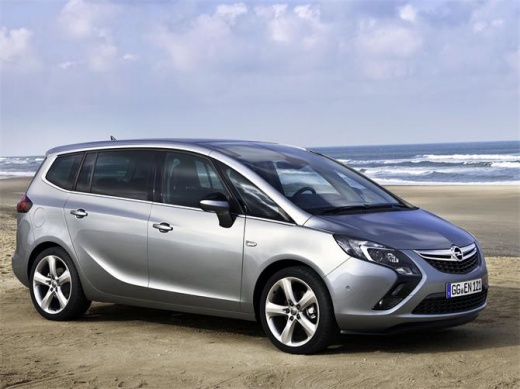
How to Update the Infotainment System on the Opel Zafira?
Model: Vauxhall Zafira
Zafira C, MK 3
- Years:
2011, 2012, 2013, 2014, 2015, 2016, 2017, 2018, 2019
Video tutorial
In this tutorial, learn how to update the Infotainment system on the Opel Zafira, applicable to all modern cars that feature it. This is a very simple procedure; you will need a smartphone, a PC, and a 16GB USB stick. First, connect your smartphone to the car's system to receive notifications of any updates, whether for the firmware or navigation maps. From the notification, you can send an email containing the download link for the update software, which will prepare the USB stick. Once inserted into the car's port, it will allow you to apply the update.
Updated on 27 April 2026 by ScegliAuto
Related tutorials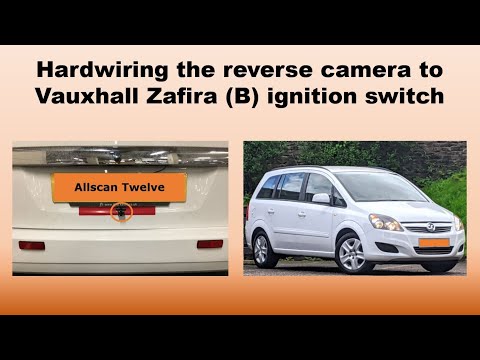
Vauxhall Zafira
(2005-2011 /
MK 2, A05, Zafira B)
In this video tutorial, you will see how to install a reversing camera on an Opel Zafira B. First, remove the old multimedia system to install the 2 …
Vauxhall Zafira
(2011-2019 /
Zafira C, MK 3)
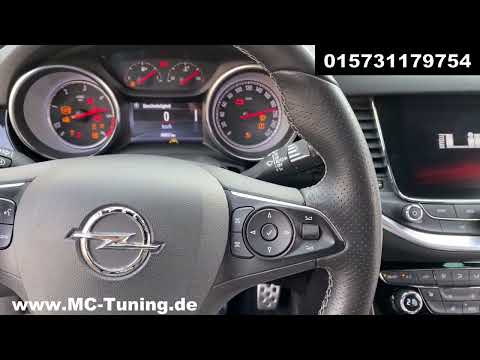
Resetting the AdBlue system light on an Opel Zafira can be done after topping up the liquid in the tank. To reset the AdBlue light on a Zafira, start…

Vauxhall Zafira
(2011-2019 /
Zafira C, MK 3)
Today we will see how to independently reset the service light on an Opel Zafira Tourer. Turn on the instrument panel and access the settings menu by…
Other guides you may be interested in |
How to Reset the Tyre Pressure Warning Light on a Kia Rio?
The tyre pressure warning light displayed on the instrument cluster of the Kia Rio can be reset by inflating the tyres until they reach the recommended pressure value: this value is indicated on the sticker affixed to the driver's door pillar. Once all tyres have been inflated to the recommended pressure, turn on the ignition to check that the light has disappeared: if it is still present, it may be necessary to drive for a few miles, allowing the sensors to work and thus turning off the light. by ScegliAuto More videos
|
For advertising on this site Write to info@scegliauto.com
ScegliAuto is not responsible for any inaccuracy of the data in the lists. To report any inaccuracy or your business (if you own the business in question), please write to info@scegliauto.com
Number of seconds to generate the page: 0.019
(c) ScegliAuto 2026 - info@scegliauto.com - Privacy policy VAT number: IT01247470535 |
