
|
Do it yourself
| |||
| ||||


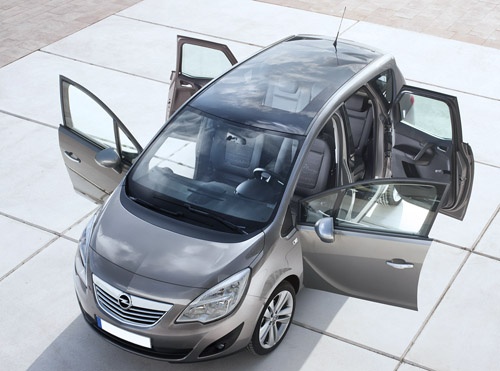
What does code 55 mean in a 2011 Opel Meriva and what to do if it lights up?
Model: Vauxhall Meriva
Meriva B, MK 2
- Years:
2010, 2011, 2012, 2013, 2014, 2015, 2016, 2017
Video tutorial
Code 55 in a 2011 Opel Meriva indicates the regeneration of the particulate filter. To resolve this issue, first, remove the panel located under the handbrake using a screwdriver. Connect the appropriate plug to the socket and insert the diagnostic test device into the USB port. Select the 'write' option and wait for the loading time. Once the ECU writing is completed successfully, proceed to remove the filter. At this point, it will be possible to disassemble it for regeneration/cleaning.
Updated on 5 May 2026 by ScegliAuto
Related tutorials
Vauxhall Meriva
(2010-2017 /
Meriva B, MK 2)
The "error code 18" on an Opel Meriva model b vehicle indicates a malfunction in the right low beam headlight bulb. In these cases, it is necessary t…

Vauxhall Meriva
(2010-2017 /
Meriva B, MK 2)
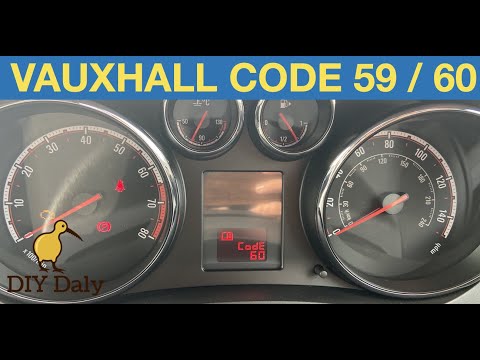
Error code 59 appears on the display of the 2012 Opel Meriva B when it is necessary to open and close the driver's side window. To remove the code, s…
Vauxhall Meriva
(2010-2017 /
Meriva B, MK 2)
If the "Code 60" message has appeared on the dashboard of your Opel Meriva, it means that the passenger side window is not calibrated correctly. This…
Other guides you may be interested in |
Frequently Asked QuestionsHow to lower the rear seats in the Peugeot 206?
In this tutorial, you will see how to lower the rear seats in the Peugeot 206, a very simple and quick operation, for example, if you need more space in the boot. First, open both the doors and the tailgate, then unclip the seat base and position it vertically. Next, remove the horizontal partition, locate the release levers at the ends of both seatbacks, and, by operating them, lower the seatbacks. To reassemble everything, simply follow the reverse procedure. by ScegliAuto More videos
|
For advertising on this site Write to info@scegliauto.com
ScegliAuto is not responsible for any inaccuracy of the data in the lists. To report any inaccuracy or your business (if you own the business in question), please write to info@scegliauto.com
Number of seconds to generate the page: 0.013
(c) ScegliAuto 2026 - info@scegliauto.com - Privacy policy VAT number: IT01247470535 |
