
|
Do it yourself
| |||
| ||||



How to Reset the Service Light on the Opel Astra
Model: Vauxhall Astra
Astra J
- Years:
2009, 2010, 2011, 2012, 2013, 2014, 2015, 2016
Video tutorial
The service light alerts the driver to the need for routine maintenance. If there is a data reading error or if you simply want to postpone the maintenance, reset the light. To do this, turn off the car and simultaneously press the brake pedal and the "Set/CLR" button. Hold them for a few seconds until you hear a beep from the onboard computer. At this point, the reset is complete, and you can release both the pedal and the button. This simple operation can be repeated multiple times without any issues.
Updated on 6 June 2026 by ScegliAuto
Related tutorials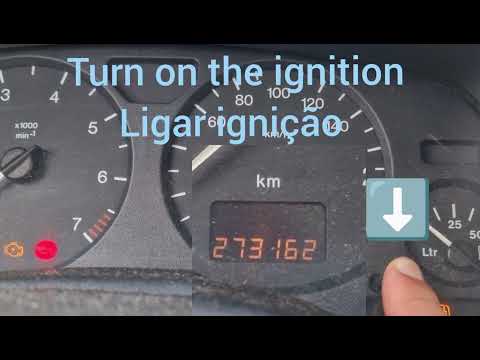
Vauxhall Astra
(1998-2006 /
Astra G)
To manually reset the service light on your Opel Astra G (1998-2006) after performing the regular service, follow these simple steps. First, enter th…
Vauxhall Astra
(2004-2010 /
Astra H)
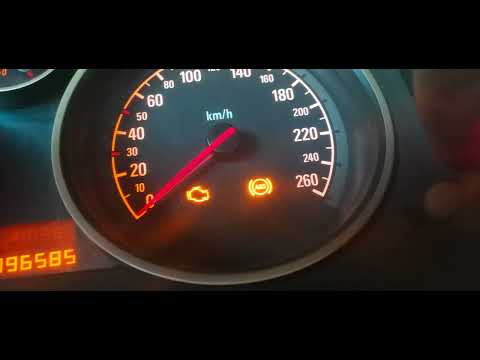
In this new guide dedicated to your Opel Astra H, you will discover the steps to manually reset the "Insp" service light on the dashboard. First, ens…

Vauxhall Astra
(2009-2016 /
Astra J)
In this mini guide, discover how to correctly perform the manual reset of the service light on your 2011 Opel Astra J. First, turn on the ignition an…
Other guides you may be interested in
|
How to Remove the Rear Bumper on a Peugeot 308
This article outlines the procedure to remove and replace the rear bumper on a Peugeot 308 T9. First, remove the screws located in the wheel arch of the rear wheels, then remove the plastic clips underneath the bumper. Next, take off the wheel arch cover, and remove the plastic nut. After removing the nut, disconnect the connectors present. Now, remove the fixing screws located underneath the bumper and also the plastic clips. Once all clips and screws are removed, you can take off the bumper for repair or replacement. by ScegliAuto More videos
|
|
For advertising on this site Write to info@scegliauto.com
ScegliAuto is not responsible for any inaccuracy of the data in the lists. To report any inaccuracy or your business (if you own the business in question), please write to info@scegliauto.com
Number of seconds to generate the page: 0.065
(c) ScegliAuto 2026 - info@scegliauto.com - Privacy policy VAT number: IT01247470535 |
