
|
Do it yourself
| |||
| ||||


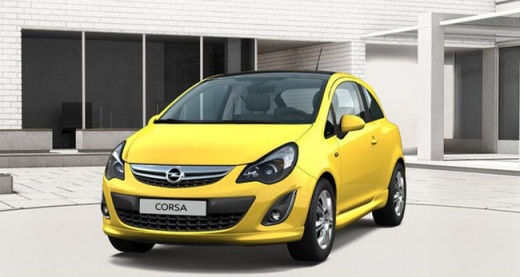
How to Remove the Headlight Assembly and Change Bulbs on an Opel Corsa
Model: Vauxhall Corsa
Corsa D
- Years:
2006, 2007, 2008, 2009, 2010, 2011, 2012, 2013, 2014
Video tutorial
To change the rear light on an Opel Corsa, open the boot and then open the side compartment closed by a flap on the side (right in this case) of the boot. In this compartment are the connectors for the car's rear lights; disconnect them and unscrew the two large butterfly screws holding the headlight assembly. At the back of the headlight assembly, there is a large plastic cap held in place, where all the bulb contacts and the bulbs themselves are located. To change the bulbs, simply remove this cap and replace the faulty bulb. There is only one connector for the entire headlight assembly. When reassembling the headlight, ensure the clips are correctly aligned; then, reattach the two butterfly screws and the electrical connector, after cleaning it with a blast of compressed air. Close the plastic cap and the job is done.
Updated on 15 June 2026 by ScegliAuto
Related tutorials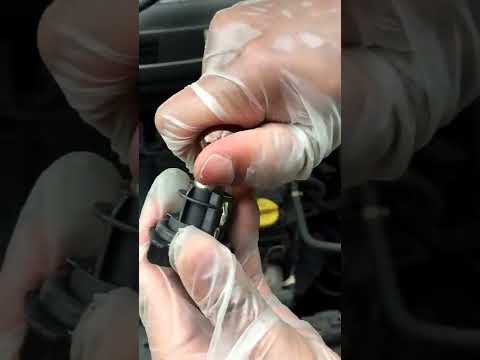
Vauxhall Corsa
(2006-2014 /
Corsa D)
Below are the main steps to remove and replace the front indicator bulb on the Opel Corsa. First, open the bonnet by pulling the internal lever, and …
Vauxhall Corsa
(2014-2019 /
Corsa E)
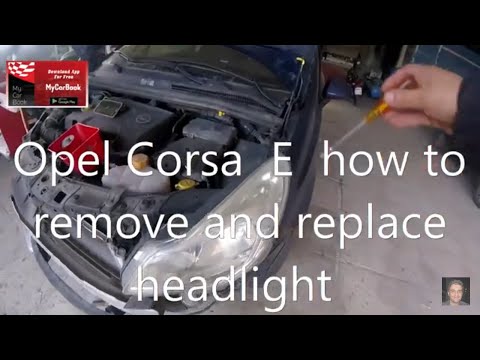
This guide explains how to remove and replace the front headlight of the Opel Corsa in simple and quick steps. First, open the bonnet and start unscr…

Vauxhall Corsa
(2006-2014 /
Corsa D)
In this short and simple guide, you will learn the procedure to remove and replace the headlight bulb on an Opel Corsa. First, open the bonnet of you…
Other guides you may be interested in |
How to Reset the AdBlue Warning Light on a Peugeot Boxer
To reset the AdBlue system on a 2018 Peugeot Boxer, follow these steps: Start the engine and ensure the vehicle is parked in a well-ventilated area. Locate the "MENU" button on the dashboard or steering wheel controls. Press and hold the "MENU" button until the menu options appear on the display. Use the arrow buttons or scroll wheel to access the "Vehicle Settings" or "Settings" menu. Select the "AdBlue" or "AdBlue System" option. Look for the "Recharge" or "Reset" option in the AdBlue menu. Once you find the reset option, select it and confirm your choice when prompted. The system will be reset, and a confirmation message may appear on the display. Turn off the engine and wait a few seconds. Restart the engine and check that the AdBlue system has been reset. by ScegliAuto More videos
|
|
For advertising on this site Write to info@scegliauto.com
ScegliAuto is not responsible for any inaccuracy of the data in the lists. To report any inaccuracy or your business (if you own the business in question), please write to info@scegliauto.com
Number of seconds to generate the page: 0.071
(c) ScegliAuto 2026 - info@scegliauto.com - Privacy policy VAT number: IT01247470535 |
