
|
Do it yourself
| |||
| ||||



How to Reset the Tyre Pressure Warning Light on an Opel Adam
Model: Vauxhall Adam
MK 1
- Years:
2013, 2014, 2015, 2016, 2017, 2018, 2019
Video tutorial
To reset the orange low tyre pressure warning light, access the driver's seat and turn on the ignition. On the touch display located in the centre of the dashboard, locate the button in the bottom right with the car symbol. Enter the onboard computer menu and click on the reset indication for low tyre pressure. The display will show a message to ensure you have restored the correct tyre pressure (see the user manual), click on: "Yes". At this point, the warning light indicator will turn off. To verify that the reset has been completed, turn off and then turn on the ignition again.
Updated on 19 June 2026 by ScegliAuto
Related tutorials
Vauxhall Adam
(2013-2019 /
MK 1)
To perform the tire pressure check on the Opel Adam, you need to inflate the tires to the recommended pressure value: this value can be found on the …

Vauxhall Adam
(2013-2019 /
MK 1)
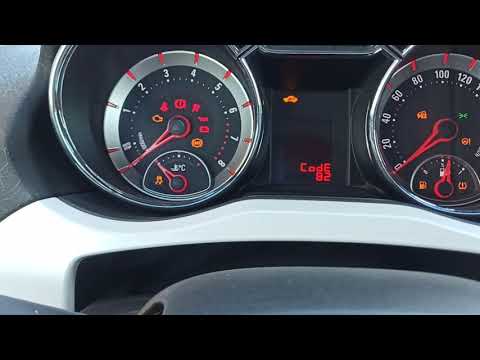
To reset the tyre pressure warning light on the Opel Adam, inflate all the tyres to the correct pressure value: this value is indicated on the sticke…
Vauxhall Adam
(2013-2019 /
MK 1)
Let's see the procedure to reset the service light for the routine maintenance oil change on an Opel Adam. First, get in the vehicle and turn on the …
Other guides you may be interested in
|
How to Lower the Rear Seats in the Nissan Qashqai?
In this tutorial, you will see how to lower the rear seats in the Nissan Qashqai, a very simple and quick operation, for example, when you need more space in the boot. First, open both rear doors, then locate the lever on the upper part of the first seatback, pull it upwards, and simultaneously lower the seatback. Move to the opposite side and repeat the procedure. To put everything back together, simply lift the seatbacks and press them firmly to lock them into their respective supports. by ScegliAuto More videos
|
For advertising on this site Write to info@scegliauto.com
ScegliAuto is not responsible for any inaccuracy of the data in the lists. To report any inaccuracy or your business (if you own the business in question), please write to info@scegliauto.com
Number of seconds to generate the page: 0.036
(c) ScegliAuto 2026 - info@scegliauto.com - Privacy policy VAT number: IT01247470535 |
