
|
Do it yourself
| |||
| ||||


How do you reset the Service light on the Opel Agila?
Model: Vauxhall Agila
Agila B
- Years 2008-2015
In order to reset the Opel Agila Service spy, you need to press and hold the button located on the left side of the instrument panel: while this button is held down, the panel must be off. By keeping the button pressed, it will then be possible to insert the ignition key in its block and turn it to turn on the instrument panel: when this has been turned on, it will be necessary to keep the button pressed until the warning light is correctly reset. After the warning light has been reset, the button will have to be released and the instrument panel can then also be switched off.
Posted on 2 November 2022 by ScegliAuto
Video tutorial
Related tutorials
Vauxhall Agila
(2008-2015 /
Agila B)
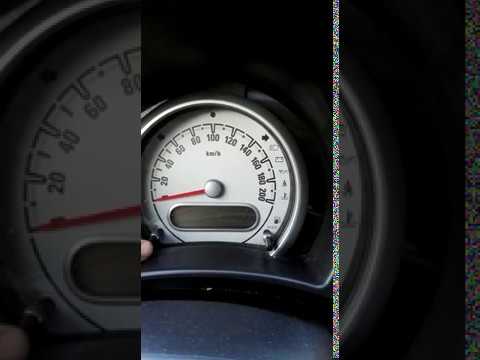
To reset the Service light that will appear on the instrument panel of the Opel Agila, you need to turn on the panel by inserting the ignition key in…
Vauxhall Agila
(2008-2015 /
Agila B)
An alternative method to reset the service light on the Opel Agila "b". First, using the remote control, we open and close the doors (it doesn't matt…
Vauxhall Agila
(2000-2007 /
Agila A)
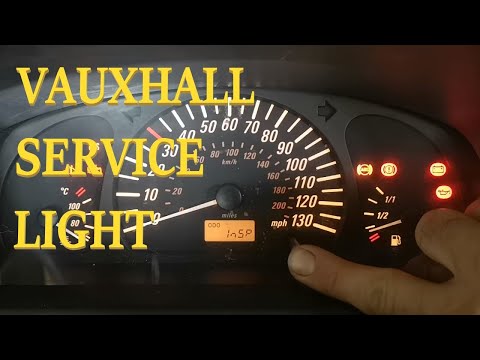
To reset the Service light on an Opel Agila, press and hold the button located in the center of the instrument panel while it is turned off. While ho…
Other guides you may be interested in
|
How to Top Up the Radiator Fluid on Mercedes Vito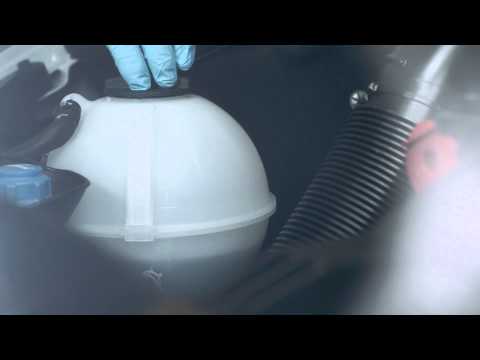
Learn how to top up the fluid in the cooling radiator reservoir on a Mercedes Vito yourself to save on labour costs. First, pull the plastic lever located at the bottom left of the dashboard, lift the bonnet and secure it with the metal prop. Locate the cap for topping up the fluid in the radiator reservoir (unscrew it). Using a funnel, top up with screen wash fluid and close the reservoir cap. Close the engine cover after maintenance. Test the correct functioning of the maintenance performed previously. by ScegliAuto More videos
|
|
For advertising on this site Write to info@scegliauto.com
ScegliAuto is not responsible for any inaccuracy of the data in the lists. To report any inaccuracy or your business (if you own the business in question), please write to info@scegliauto.com
Number of seconds to generate the page: 0.100
(c) ScegliAuto 2026 - info@scegliauto.com - Privacy policy VAT number: IT01247470535 |
