
|
Do it yourself
| |||
| ||||


How to Reset the Service Light on the Opel Agila "b" (Alternative Method)
Model: Vauxhall Agila
Agila B
- Years 2008-2015
An alternative method to reset the service light on the Opel Agila "b". First, use the remote to lock and unlock the doors (it doesn't matter if they are physically closed, just use the remote). Then, physically open and close the driver's door. At this point, press the button on the left side of the speedometer, the one with the clock symbol, and then turn on the ignition. The light will start flashing, and three dashes will appear, indicating that the service light has been successfully reset.
Updated on 28 July 2026 by ScegliAuto
Video tutorial
Related tutorials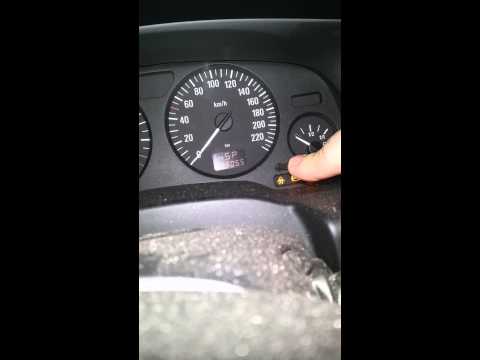
Vauxhall Agila
(2008-2015 /
Agila B)
Once you have completed the scheduled service for the vehicle, including the oil and filter change, you need to reset the service indicator light tha…
Vauxhall Agila
(2008-2015 /
Agila B)
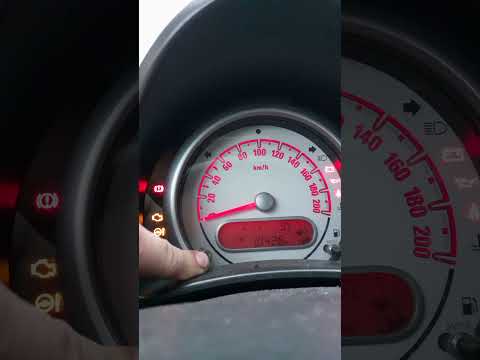
The video shows how to reset the service light on an Opel Agila Second Series. It is a very simple operation that can be done independently and takes…
Vauxhall Agila
(2008-2015 /
Agila B)
Before you can start, exit the cabin of your Opel Agila and head to the rear of the vehicle. Begin by opening the boot. Next, unscrew and remove the …
Other guides you may be interested in
|
How to Check the Oil Level on a Jeep Renegade?
To check the oil level on a Jeep Renegade, you need to open the bonnet to access the components inside the engine bay: on the lower left side of the engine block, you will find the dipstick for checking the level. This should be pulled out and thoroughly cleaned with a cloth: once cleaned, reinsert it back into its tube and pull it out immediately after. This way, you can check that the oil mark is between the minimum and maximum levels; finally, you can place the dipstick back in its tube. by ScegliAuto More videos
|
|
For advertising on this site Write to info@scegliauto.com
ScegliAuto is not responsible for any inaccuracy of the data in the lists. To report any inaccuracy or your business (if you own the business in question), please write to info@scegliauto.com
Number of seconds to generate the page: 0.191
(c) ScegliAuto 2026 - info@scegliauto.com - Privacy policy VAT number: IT01247470535 |
