
|
Do it yourself
| |||
| ||||


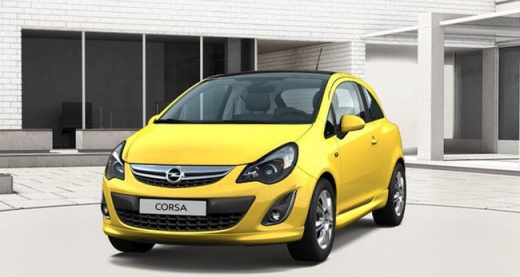
How to Reset the "insp" Message on an Opel Corsa
Model: Vauxhall Corsa
Corsa D
- Years:
2006, 2007, 2008, 2009, 2010, 2011, 2012, 2013, 2014
Video tutorial
To reset the "insp" message on your Opel Corsa, turn on the instrument cluster and note the message on the display, then proceed to reset it; turn off the instrument cluster, press and hold the button to the left of the speedometer, and simultaneously turn on the instrument cluster without starting the engine; keep the button pressed until the "insp" message stops flashing and dashes appear, followed by a mileage reading, then release the button; now you can turn off the instrument cluster, turn it back on, and check if the "insp" message reappears on the display.
Updated on 13 August 2026 by ScegliAuto
Related tutorials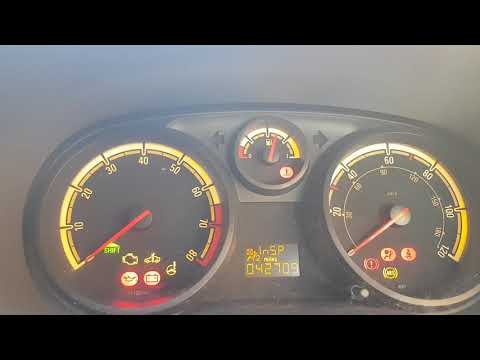
Vauxhall Corsa
(2006-2014 /
Corsa D)
To reset the inspection light on an Opel Corsa, start by turning on the ignition without starting the engine and note that the display shows 'insp'. …
Vauxhall Corsa
(2000-2006 /
Corsa C)
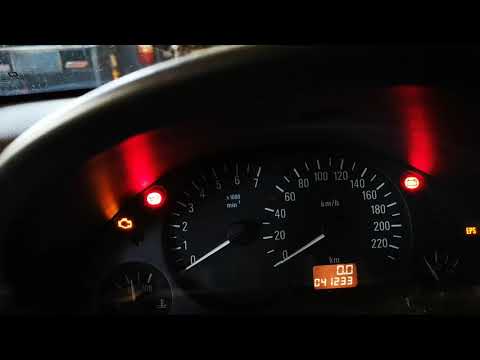
To reset the Insp light on the Opel Corsa, close all the doors and keep the instrument panel off. Then, press the button located at the bottom right …

Vauxhall Corsa
(2000-2006 /
Corsa C)
Today, discover the necessary instructions on how to reset the service light (INSP) for the routine maintenance oil change on the Opel Corsa. First, …
Other guides you may be interested in
|
Frequently Asked QuestionsHow to Set the Time on an Audi A6
Briefly, we will see the instructions to set the time on the Audi A6 by following these simple steps. First, get inside the vehicle and turn on the instrument cluster; then press the settings button and navigate to the time option to confirm your choice, as shown in the video. At this point, set the correct time and format, then exit the settings menu to save the changes made; finally, start the engine and ensure that the time has been set correctly! by ScegliAuto More videos
|
|
For advertising on this site Write to info@scegliauto.com
ScegliAuto is not responsible for any inaccuracy of the data in the lists. To report any inaccuracy or your business (if you own the business in question), please write to info@scegliauto.com
Number of seconds to generate the page: 0.032
(c) ScegliAuto 2026 - info@scegliauto.com - Privacy policy VAT number: IT01247470535 |
