
|
Do it yourself
| |||
| ||||


How to adjust the clock of the Peugeot 308
Model: Peugeot 308
P5, MK 3
- Years 2021-2026
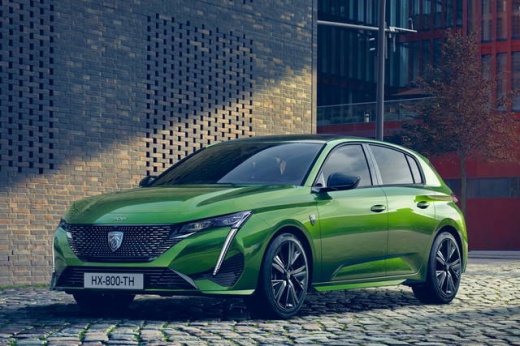
In today's article, we will show you how to adjust the time on the Peugeot 308. To adjust the time, first start the instrument panel, then from the central computer click on the time in the top right corner, then select the settings option, then select the adjust time and date option, then select the time option. You will now be able to adjust the time and all related settings. Once you have finished adjusting the time, select ok from the bottom menu and the adjustment will be complete. It will also automatically return to the main screen.
Posted on 14 May 2025 by ScegliAuto
Video tutorial
Related tutorials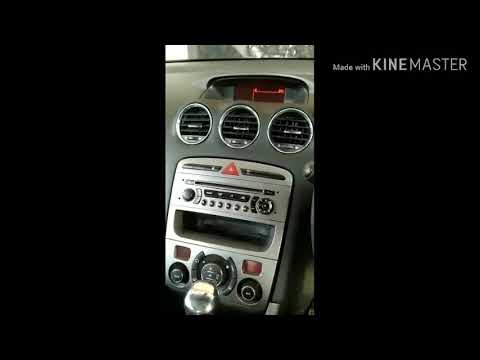
Peugeot 308
(2007-2014 /
T7, MK 1)
To set the clock on a Peugeot 308, first turn on the instrument panel, then navigate through the menu on the central display using the appropriate co…

Peugeot 308
(2007-2014 /
T7, MK 1)
To adjust the clock of the Peugeot 308, you will need to turn on the instrument panel and then navigate to the appropriate menu on the central displa…

Peugeot 308
(2013-2021 /
T9, MK 2)
Today we will discover the information that will allow us to adjust the clock on the central display of the Peugeot 308. First of all, we get on boar…
Other guides you may be interested in
|
How to reset the tyre pressure warning light on a Hyundai Tucson
Below are the instructions to reset the tyre pressure warning light (TPMS) on a Hyundai Tucson. First, get into the vehicle and turn on the instrument cluster; then navigate to the vehicle settings until you reach the tyre pressure monitor, identifying the tyre with incorrect pressure. At this point, restore all tyre pressures according to the specifications indicated on the label; this will reset the TPMS and the warning light will be cleared from the instrument cluster! by ScegliAuto More videos
|
|
For advertising on this site Write to info@scegliauto.com
ScegliAuto is not responsible for any inaccuracy of the data in the lists. To report any inaccuracy or your business (if you own the business in question), please write to info@scegliauto.com
Number of seconds to generate the page: 0.187
(c) ScegliAuto 2026 - info@scegliauto.com - Privacy policy VAT number: IT01247470535 |
