
|
Do it yourself
| |||
| ||||


Connecting and Using the On-Board Computer
Model: Peugeot 406
MK 1
- Years 1995-2005
In the following guide, first remove the wiper and disconnect the plug. Insert the wires for the on-board computer into the missing pins in the wiper socket. Use a bit of wire to connect the two wires, and by connecting them, the on-board computer display changes. The display is shown after changing the mode of the on-board computer, which normally indicates the date, but in this case, it is displaying other information. Once the on-board computer is installed, the most logical step is to obtain a wiper lever using the on-board computer button, but this guide shows a less sensitive option, which involves disconnecting a wire from the back of the plug and demonstrates how to do this. The two wires of the on-board computer have been connected to the cigarette lighter, which can then be used as a button to operate the on-board computer.
Updated on 9 February 2026 by ScegliAuto
Video tutorial
Related tutorials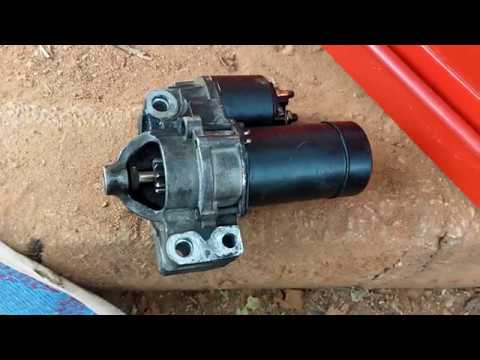
Peugeot 406
(1995-2005 /
MK 1)
In this video tutorial, you will learn how to remove and replace the starter motor on the Peugeot 406 with a V6 engine. To access the starter motor, …
Peugeot 406
(1995-2005 /
MK 1)
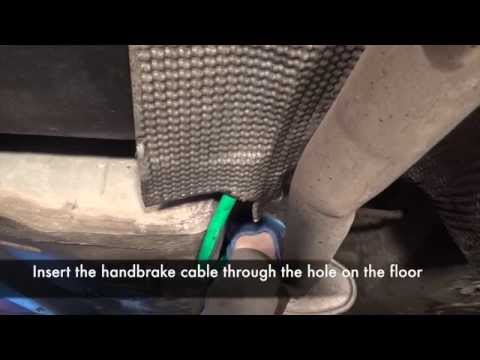
To replace the handbrake cable, first remove the central tunnel cover; once the cover is off, disconnect the cable from the handbrake lever and pass …
Other guides you may be interested in
|
How to reset the tyre pressure warning light on a Hyundai Tucson
Below are the instructions to reset the tyre pressure warning light (TPMS) on a Hyundai Tucson. First, get into the vehicle and turn on the instrument cluster; then navigate to the vehicle settings until you reach the tyre pressure monitor, identifying the tyre with incorrect pressure. At this point, restore all tyre pressures according to the specifications indicated on the label; this will reset the TPMS and the warning light will be cleared from the instrument cluster! by ScegliAuto More videos
|
|
For advertising on this site Write to info@scegliauto.com
ScegliAuto is not responsible for any inaccuracy of the data in the lists. To report any inaccuracy or your business (if you own the business in question), please write to info@scegliauto.com
Number of seconds to generate the page: 0.352
(c) ScegliAuto 2026 - info@scegliauto.com - Privacy policy VAT number: IT01247470535 |
