
|
Do it yourself
| |||
| ||||


How to Restart the Display in a Peugeot 208?
Model: Peugeot 208
MK 1, A9
- Years 2012-2019
In the Peugeot 208, the multimedia system display may freeze, fail to respond to commands, or experience various malfunctions. Often, the issue can be resolved by performing a simple reset following the quick procedure shown in this tutorial. First, ensure that at least the instrument cluster is on, then press and hold the "SRC" button located to the left of the display. After about 10 seconds, the system will restart, and you just need to wait for it to fully initialise. If the procedure does not succeed, there may be a genuine problem with the multimedia system.
Updated on 23 June 2026 by ScegliAuto
Video tutorial
Related tutorials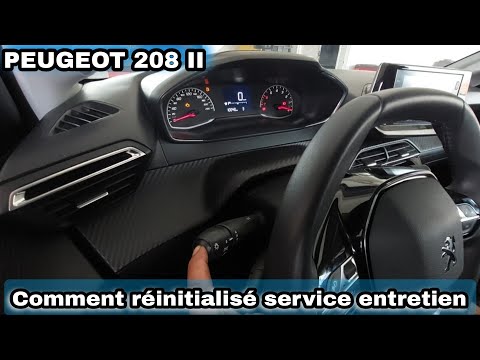
Peugeot 208
(2019-2026 /
UW, UJ, UP, MK 2, UB)
Resetting the service in the Peugeot 208 is an extremely simple and fast operation, let's see how to proceed in this tutorial. Before doing this, mak…

Peugeot 208
(2012-2019 /
MK 1, A9)
In this tutorial we can see how to reset the service in the Peugeot 208, an extremely simple and fast operation, to be carried out only once all sche…
Peugeot 208
(2012-2019 /
MK 1, A9)
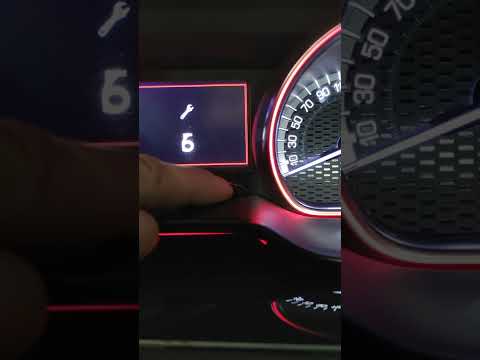
In this tutorial, we can see how to reset the service in the Peugeot 208, an extremely simple and fast operation. Before proceeding, make sure you ha…
Other guides you may be interested in
|
How to Reset the Central Locking of the Volkswagen Golf 4?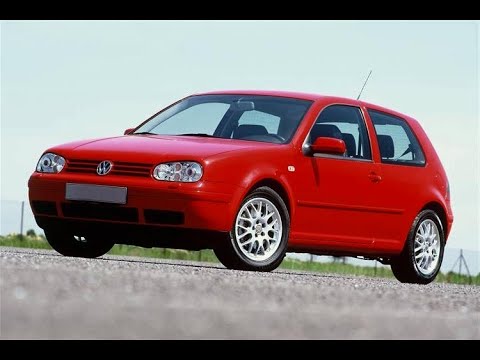
If the central locking system of the Volkswagen Golf 4 is not working, it is likely necessary to reset the system: to do this, open the driver's door and detach the side panel of the dashboard next to the steering wheel. Under this panel, you will find the fuses, including the one for the central locking, which is indicated in the manual as number 14. To reset the system, remove this fuse from its housing, then reinsert it or replace it with a new one of the same amperage: this will reset the central locking system. by ScegliAuto More videos
|
For advertising on this site Write to info@scegliauto.com
ScegliAuto is not responsible for any inaccuracy of the data in the lists. To report any inaccuracy or your business (if you own the business in question), please write to info@scegliauto.com
Number of seconds to generate the page: 0.066
(c) ScegliAuto 2026 - info@scegliauto.com - Privacy policy VAT number: IT01247470535 |
