
|
Do it yourself
| |||
| ||||


Model: Piaggio Si
In this video, you will see how to adjust the points or contact points on various Piaggio models, such as the Si, Bravo, and Ciao. First, remove the side cover and start by removing the central nut of the adjustment using a 17 mm spanner, then remove the clutch pack. Next, remove the rubber cap from the points; now adjust the points screw with a small flat screwdriver (positioning the piston at top dead centre): measure the gap between the two points and adjust them using a feeler gauge, following the video to the end!
Updated on 16 April 2026 by ScegliAuto
Video tutorial
Related tutorials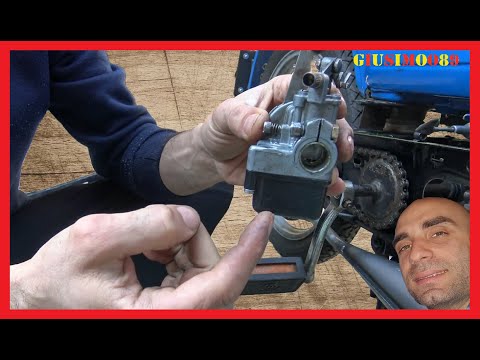
Si
This guide shows you how to remove and replace the carburettor on the Piaggio Si, as well as on the Ciao, Bravo, and Garelli. First, place the motorc…
Si
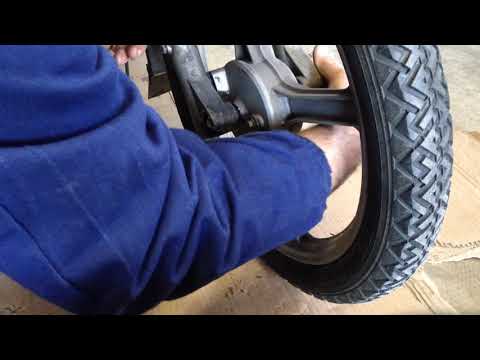
Today's guide will show you the steps to remove and replace the front wheel or tyre of the Piaggio Si, as well as the Ciao, Bravo, and Garelli. First…

Si
Today's guide shows how to remove and replace the rear wheel and its hub on the Piaggio Si, following the instructions below. First, unscrew the fast…
|
How to Replace the Battery in a Yamaha Vino 125 Scooter?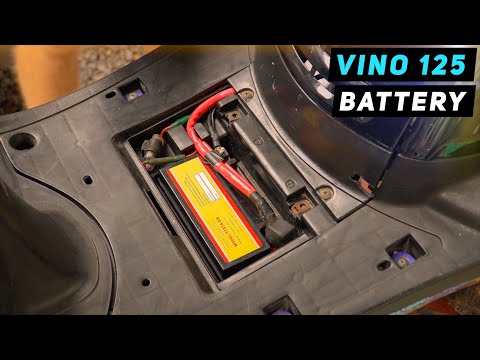
In this tutorial, you will see how to replace the battery in a Yamaha Vino 125 scooter, a very simple and quick operation. First, ensure that the key is not inserted for safety. Then, lift the rubber mat and, using a simple cross-head screwdriver, unscrew the two screws securing the plastic cover. Once opened, disconnect both terminals, starting with the negative, and remove the battery from its housing. To fit the replacement, simply follow the reverse procedure. by ScegliAuto More videos
|
|
For advertising on this site Write to info@scegliauto.com
ScegliAuto is not responsible for any inaccuracy of the data in the lists. To report any inaccuracy or your business (if you own the business in question), please write to info@scegliauto.com
Number of seconds to generate the page: 0.009
(c) ScegliAuto 2026 - info@scegliauto.com - Privacy policy VAT number: IT01247470535 |
