
|
Do it yourself
| |||
| ||||


Model: Piaggio Ciao
This brief guide provides instructions on how to remove and replace the brake shoes on the Piaggio Ciao, as well as the Si, Bravo, and Garelli. First, put the central stand down and begin removing the wheel; then remove the cover from the drum by disengaging the springs of the shoes to take them out. At this point, clean the drum, checking that it is in good condition (not scratched); then install the new shoes on the brake plate, reassembling the entire braking system onto the drum, following the video tutorial to the end!
Updated on 13 June 2026 by ScegliAuto
Video tutorial
Related tutorials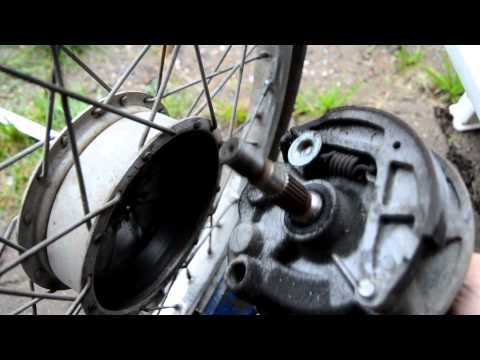
Ciao
To replace the rear brake shoes on a Piaggio Ciao, you need to loosen the central nut that secures the drum located at the centre of the rear wheel: …

Ciao
.. inner tube of the Piaggio Ciao, as well as the Si and Garelli models. First, put the central stand down and begin to remove the rear wheel; to do this,.. …
Ciao
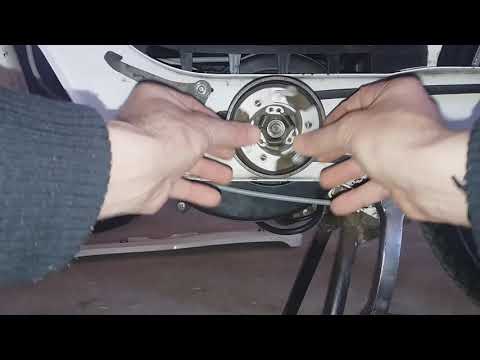
.. drive belt on the Piaggio Ciao, as well as the Si and Garelli. First, put the central stand down and start by removing the left side cover to access.. …
|
How to Replace the Air Filter on the Benelli TRK 502X?
On the Benelli TRK 502X, you can replace the air filter by unscrewing the screws that secure the fairings located on the front side of the bike, near the tank: once these panels are removed, proceed by loosening the screws that secure the tank and disconnecting all the hoses and connectors underneath. This will give you access to the air filter box, which can be opened by loosening the screws that secure the cover: at this point, remove the old filter so that you can insert the replacement. by ScegliAuto More videos
|
|
For advertising on this site Write to info@scegliauto.com
ScegliAuto is not responsible for any inaccuracy of the data in the lists. To report any inaccuracy or your business (if you own the business in question), please write to info@scegliauto.com
Number of seconds to generate the page: 0.008
(c) ScegliAuto 2026 - info@scegliauto.com - Privacy policy VAT number: IT01247470535 |
