
|
Do it yourself
| |||
| ||||


|
Video tutorial
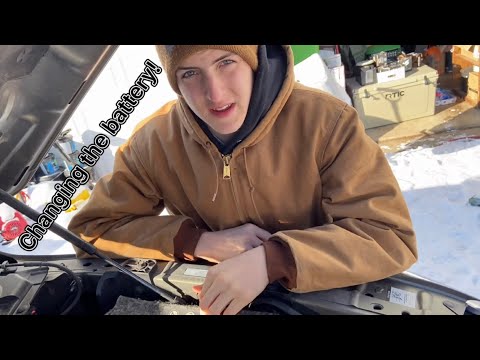
In this video, you will see the main steps to remove and replace the battery in the RAM 3500, as well as the 2500. First, open the hood and start disconnecting both battery terminals (positive and negative) by loosening the nuts with a 10 mm socket wrench; then, remove the battery bracket bolt, lift the battery, and take it out, as shown in the video. Now, replace the battery with a new one of the correct type and with the same amperage; all that's left is to reassemble everything by applying the reverse procedure of disassembly!
Updated on 3 May 2026 by ScegliAuto
Related tutorials
RAM 3500
(2009-2019 /
DS, MK 4, DJ)
.. and replace the front headlight on the Dodge RAM 3500, as well as on the 2500 and 1500 equipped with the 5.7L HEMI. First, open the hood of your vehicle.. …
RAM 3500
(2009-2019 /
DS, MK 4, DJ)
.. remove and replace the battery in your Dodge RAM 3500. First, open the hood of your vehicle and start by disconnecting both battery terminals (positive.. …

RAM 3500
(2009-2019 /
DS, MK 4, DJ)
.. Installing this hydraulic lift support on the RAM 3500 is very simple. However, it is advisable, contrary to what is indicated in the video, to complete.. …
Other guides you may be interested in |
How to Activate the Automatic Folding and Unfolding of the Wing Mirrors on the Jeep Compass
Follow these brief instructions to activate the automatic folding and unfolding of the external wing mirrors on the Jeep Compass. First, get inside the vehicle and turn on the ignition; then press the button located beneath the mirror glass adjustment to electrically open the mirror, as shown in the video. Pressing the button in the opposite direction will close the mirrors; by holding the button, the mirrors will open and close automatically! by ScegliAuto More videos
|
|
For advertising on this site Write to info@scegliauto.com
ScegliAuto is not responsible for any inaccuracy of the data in the lists. To report any inaccuracy or your business (if you own the business in question), please write to info@scegliauto.com
Number of seconds to generate the page: 0.045
(c) ScegliAuto 2026 - info@scegliauto.com - Privacy policy VAT number: IT01247470535 |
