
|
Do it yourself
| |||
| ||||


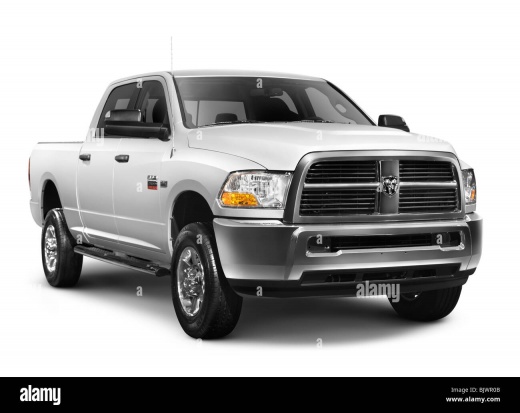
How do I replace the gear knob on the Dodge RAM 2500?
Model: RAM 2500
MK 4, DS, DJ, D2
- Years 2009-2019
In order to replace the gear knob of the Dodge RAM 2500 you have to go and remove the circular cover on which the positions of the gears are indicated, which is located in the upper part of the knob. Once this cover has been removed, it will be possible to unscrew the nut that fixes the bolt in the area below. Once the nut has been loosened, it will be possible to slide the knob off the top of the gear lever, so that it can be replaced with a new spare part. After replacement, it will be possible to screw the nut around the bolt and cover it with the circular cap.
Posted on 2 February 2022 by ScegliAuto
Video tutorial
Related tutorials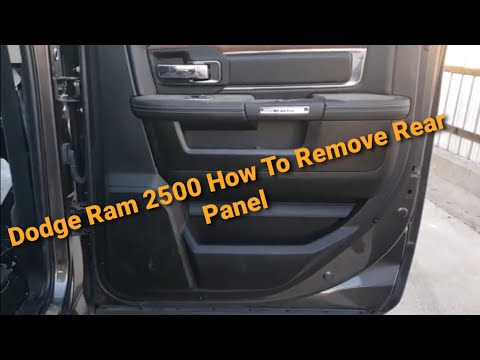
RAM 2500
(2009-2019 /
MK 4, DS, DJ, D2)
To be able to remove the rear door panel on the Dodge Ram 2500 you need to go and detach the molding located next to the rear door glass and the rive…
RAM 2500
(2009-2019 /
MK 4, DS, DJ, D2)
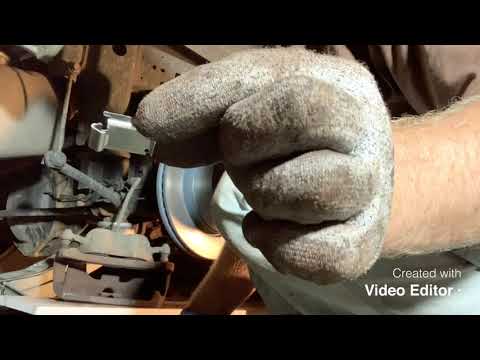
In today's video we will see the main steps that will allow us to remove and replace the front brake pads and discs of the Dodge RAM 2500. First of a…
RAM 2500
(2009-2019 /
MK 4, DS, DJ, D2)
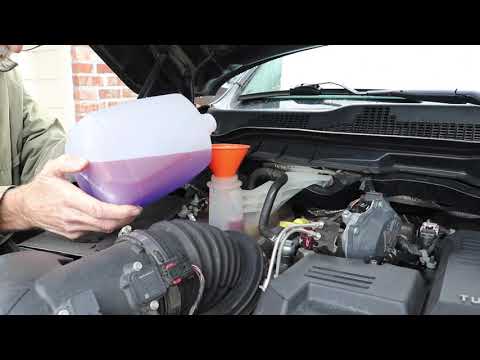
In order to replace the coolant of the Dodge Ram 2500 you need to open the drain plug of the tank that contains it, loosening the fixing bolt. This d…
Other guides you may be interested in |
How to Use the Radio Navigator of a Hyundai Tucson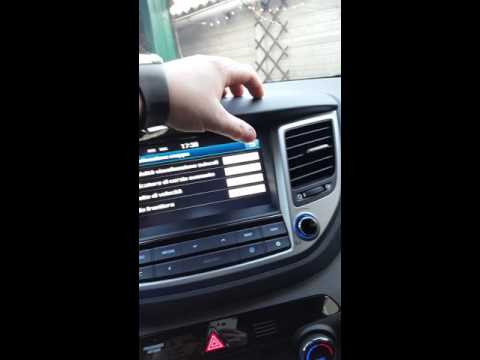
This instructional video demonstrates how to use the navigator and the information from the radio/navigator of the Hyundai Tucson. Pressing the power button on the radio will display the navigator screen with all navigation information. Below the radio display, there are manual control buttons for the stereo (a figurative button where if removed there is the SD card slot and a reset button beside it). The touch navigation screen is clear and very intuitive, easy to use even for watching videos. Always make the necessary settings for the navigator/radio while the vehicle is stationary. by ScegliAuto More videos
|
|
For advertising on this site Write to info@scegliauto.com
ScegliAuto is not responsible for any inaccuracy of the data in the lists. To report any inaccuracy or your business (if you own the business in question), please write to info@scegliauto.com
Number of seconds to generate the page: 0.052
(c) ScegliAuto 2026 - info@scegliauto.com - Privacy policy VAT number: IT01247470535 |
