
|
Do it yourself
| |||
| ||||


How to Replace the Headlight Bulbs in the Dodge RAM 1500
Model: RAM 1500
DM, D1, DH, DC, MK 3, DR
- Years 2002-2009
In this mini guide, you will learn how to correctly replace the front headlight bulb in the Dodge RAM 1500. Fortunately, this is a relatively simple operation that anyone can do. Just follow these instructions. First, unlock the hood and lift it completely. Go to the headlight containing the bulb to be replaced and remove the screws using a Torx T30 wrench. Do the same for the screws located inside the wheel well. At this point, remove the headlight, disconnect the electrical connector, and take out the old bulb. Replace it with a new one and reconnect the connector. Finally, reposition the headlight and reattach all the screws.
Updated on 10 May 2026 by ScegliAuto
Video tutorial
Related tutorials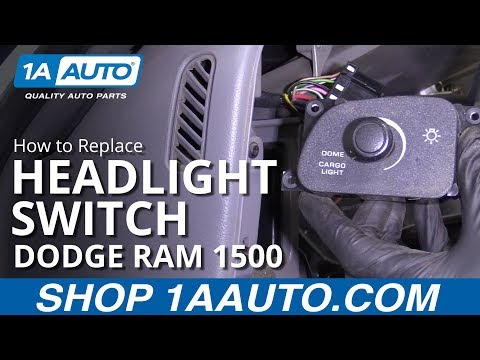
RAM 1500
(1994-2001 /
BE, MK 2, BR)
Follow this guide to remove and replace the headlight switch for the front and rear lights on the Dodge RAM 1500. First, get inside the vehicle and s…
RAM 1500
(2002-2009 /
DM, D1, DH, DC, MK 3, DR)
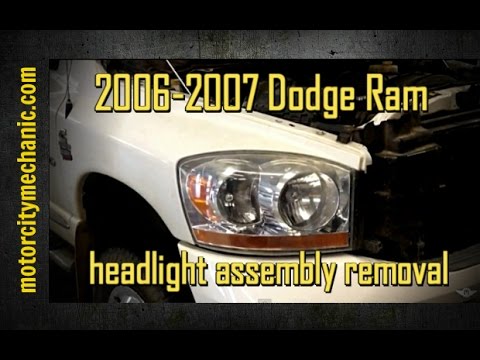
Today, let's go through the instructions for removing and replacing the front headlight and its bulbs on the Dodge RAM 1500. First, open the hood of …
RAM 1500
(2019-2026 /
DT, MK 5)
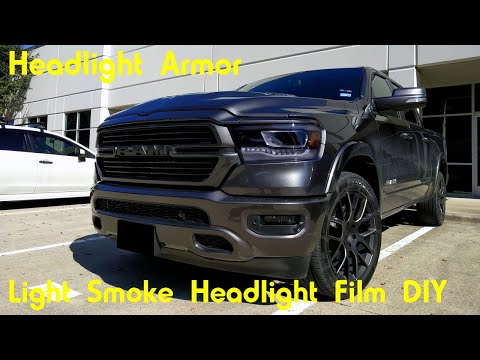
This video will demonstrate the installation of headlight protection film on a Dodge Ram 1500. You will need a headlight protection kit, a hairdryer,…
Other guides you may be interested in
|
How to Replace the Diesel Filter of the Peugeot 3008 1.5 BlueHDI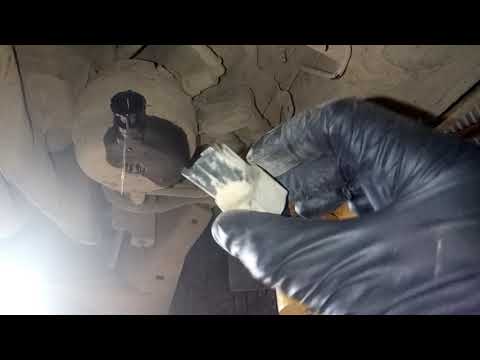
Briefly, we will see the main instructions for dismantling and replacing the diesel filter of the Peugeot 3008 1.5 BlueHDI. First, locate the diesel filter under the vehicle, so it will be necessary to lift it; then disconnect the electrical connector and the fuel lines from the filter, unscrewing the side screws to remove the cartridge, as shown in the video. At this point, replace the diesel filter with the new one, as well as with the original one; then reconnect the pipes and the electrical connector, following the video tutorial to the end! by ScegliAuto More videos
|
|
For advertising on this site Write to info@scegliauto.com
ScegliAuto is not responsible for any inaccuracy of the data in the lists. To report any inaccuracy or your business (if you own the business in question), please write to info@scegliauto.com
Number of seconds to generate the page: 0.545
(c) ScegliAuto 2026 - info@scegliauto.com - Privacy policy VAT number: IT01247470535 |
