
|
Do it yourself
| |||
| ||||


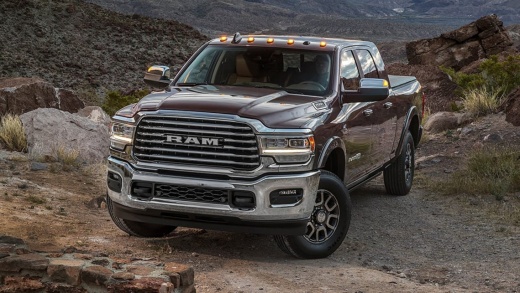
How to Replace the Rear Logo on a Ram 2500
Model: RAM 2500
DT, MK 5
- Years:
2019, 2020, 2021, 2022, 2023, 2024, 2025, 2026
Video tutorial
In this video, learn how to replace the rear logo on a Ram 2500, the pickup from the Stellantis group. Since it is not bolted on, you will need to detach the old logo from its position. Heat the area using a professional hair dryer, then use a plastic scraper to help pry it off. You can also use fishing line to remove the adhesive from the logo itself. Once removed, clean the area thoroughly with adhesive removal products. Now you can attach the new logo and admire its appearance. The black logo definitely modernizes the vehicle.
Updated on 31 May 2026 by ScegliAuto
Related tutorials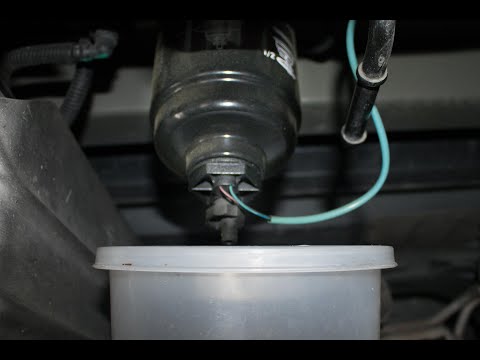
RAM 2500
(2009-2019 /
MK 4, DJ, DS, D2)
In today's tutorial video, see how to remove and replace the rear diesel fuel filter in a RAM 2500 by following these simple and quick steps. First, …
RAM 2500
(2009-2019 /
MK 4, DJ, DS, D2)
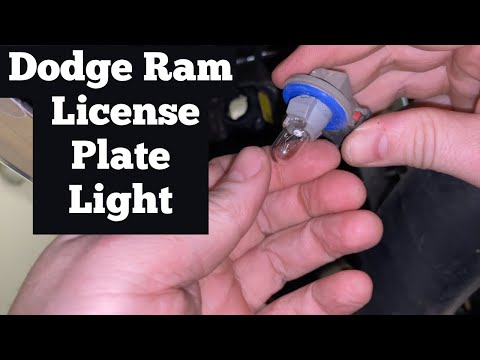
To replace the license plate light bulb on the RAM 2500, access the inside of the rear bumper to disconnect the connector attached to the license pla…
RAM 2500
(2009-2019 /
MK 4, DJ, DS, D2)
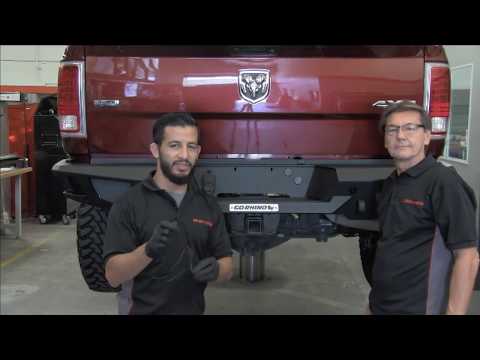
To replace the rear bumper of the Ram 2500, access the underside of the vehicle to remove the screws that secure the bumper from the inside. Once the…
Other guides you may be interested in |
How to Open the Fuel Filler Flap in the Hyundai i30?
In this tutorial, you will learn how to open the fuel filler flap in the Hyundai i30, a very simple operation that follows the typical procedure of most vehicles. First, unlock the locks using the designated button on the remote, then open the driver's door, locate the release lever on the left side of the seat, and operate it. Next, move to the fuel filler flap, open it completely, unscrew the cap, and refuel as needed. To close the flap, simply press it gently. by ScegliAuto More videos
|
|
For advertising on this site Write to info@scegliauto.com
ScegliAuto is not responsible for any inaccuracy of the data in the lists. To report any inaccuracy or your business (if you own the business in question), please write to info@scegliauto.com
Number of seconds to generate the page: 0.010
(c) ScegliAuto 2026 - info@scegliauto.com - Privacy policy VAT number: IT01247470535 |
