
|
Do it yourself
| |||
| ||||


How to reset the oil light on the RAM 1500.
Model: RAM 1500
MK 4, DS, DJ
- Years 2009-2019
If the engine oil light on your 2017 Ram 1500 dashboard continues to stay on even after correctly changing the oil, it means you need to perform a manual reset. Here's how to do it: First, turn on the dashboard and enter the onboard computer menu. Then select "Vehicle info" and scroll through the various options until you find the one related to the remaining life of the oil. Select the "Reset" option and confirm the operation. A few moments later, the reset is completed successfully, and you can exit the menu.
Posted on 21 June 2023 by ScegliAuto
Video tutorial
Related tutorials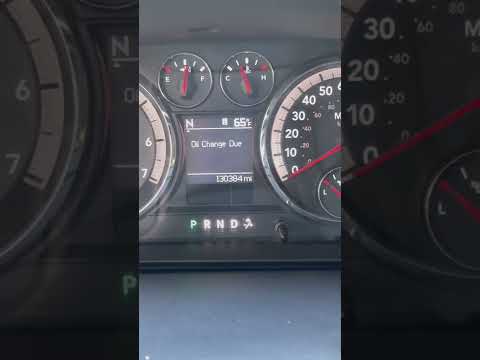
RAM 1500
(2009-2019 /
MK 4, DS, DJ)
If you own a RAM 1500 Mk4 (2011) and are wondering how to manually reset the oil light that appears on the dashboard even after changing the oil and …
RAM 1500
(2019-2026 /
DT, MK 5)
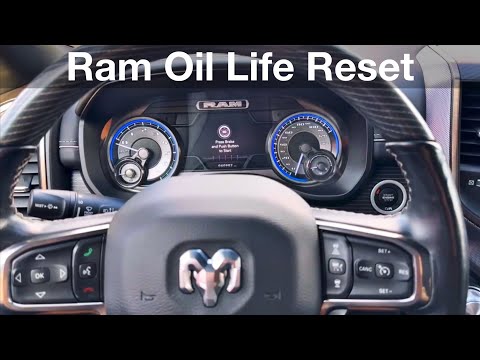
Thanks to the following mini guide aimed at all of you who own a fifth-generation RAM 1500 (2019-2023), you will finally be able to correctly and qui…
RAM 1500
(2019-2026 /
DT, MK 5)
If you own the brand new RAM 1500 and want to learn how to correctly perform a manual oil indicator reset, all you have to do is carefully read our n…
Other guides you may be interested in
|
How to Remove the Engine Oil Filter of the Peugeot 308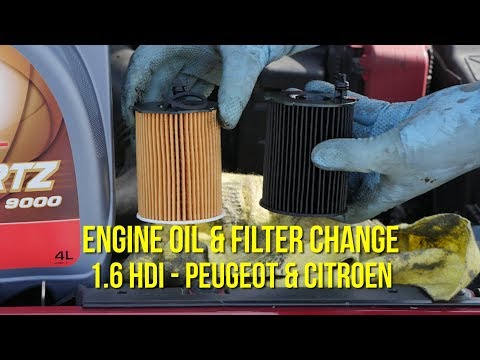
How do you remove the engine oil filter of the Peugeot 308? Follow this guide to proceed with the replacement. Open the car door and pull up the engine compartment release lever located at the bottom left of the dashboard, then lift the front bonnet and secure it. Using a socket wrench, unscrew the large securing bolt of the container cap where the oil filter is located (engine compartment under the ventilation pipe). Drain the used oil from under the engine sump. Remove the worn oil filter and position a new one, ensuring it adheres well around the walls of the housing. Finally, refit the ventilation pipe and top up the engine oil. Close the front bonnet last. by ScegliAuto More videos
|
|
For advertising on this site Write to info@scegliauto.com
ScegliAuto is not responsible for any inaccuracy of the data in the lists. To report any inaccuracy or your business (if you own the business in question), please write to info@scegliauto.com
Number of seconds to generate the page: 0.090
(c) ScegliAuto 2026 - info@scegliauto.com - Privacy policy VAT number: IT01247470535 |
