
|
Do it yourself
| |||
| ||||


How to Reset the Multimedia System of the Dodge RAM 1500
Model: RAM 1500
DT, MK 5
- Years 2019-2026
Today's steps will show you how to reset the factory radio and multimedia system of the Dodge RAM 1500. First, get in the vehicle and turn on the ignition; then, power on the multimedia system and go to the settings. Navigate to the factory reset option and confirm your choice, as shown in the video. At this point, wait for the multimedia system to reset and initialize again; then, set up the multimedia system as before, checking its functionality!
Updated on 19 September 2026 by ScegliAuto
Video tutorial
Related tutorials
RAM 1500
(2019-2026 /
DT, MK 5)
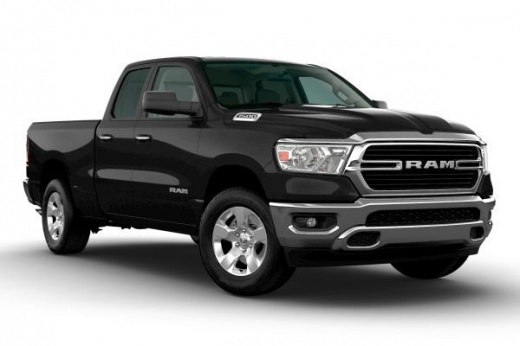
In this short guide, we will see how to reset or reboot the car radio and multimedia system of the RAM 1500. First, get into the vehicle and start th…
RAM 1500
(1994-2001 /
BE, MK 2, BR)
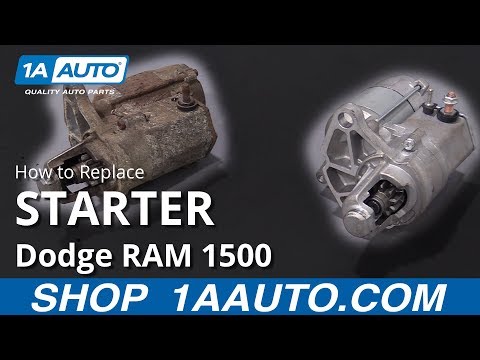
Replace the starter motor on the Dodge RAM 1500 by following the instructions below. First, open the hood and disconnect the battery. Then, lift the …
RAM 1500
(2002-2009 /
DM, D1, DH, DC, MK 3, DR)
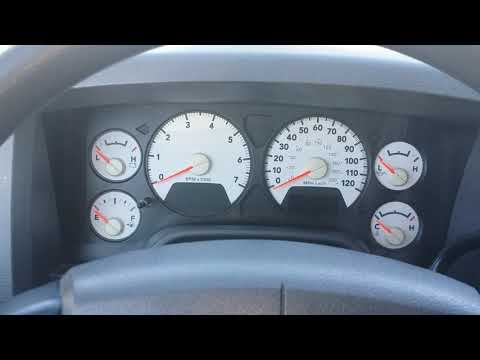
The procedure to manually reset the oil change light on the 2008 Dodge RAM 1500 is very simple and can be done by anyone independently. First, ensure…
Other guides you may be interested in |
How to Adjust the Brightness of the Instrument Cluster on a Peugeot 3008?
To adjust the brightness of the instrument cluster on a Peugeot 3008, you need to turn on the ignition and access the settings via the menu located in the central area of the dashboard. In the screen that appears, select the "Display Configuration" option: now, by selecting the "Brightness" option, you can adjust it using the dedicated slider that will appear on the screen. The adjustment should be made with the headlights on as well as with them off. Once the adjustment is complete, you can turn off the instrument cluster. by ScegliAuto More videos
|
|
For advertising on this site Write to info@scegliauto.com
ScegliAuto is not responsible for any inaccuracy of the data in the lists. To report any inaccuracy or your business (if you own the business in question), please write to info@scegliauto.com
Number of seconds to generate the page: 0.186
(c) ScegliAuto 2026 - info@scegliauto.com - Privacy policy VAT number: IT01247470535 |
