
|
Do it yourself
| |||
| ||||


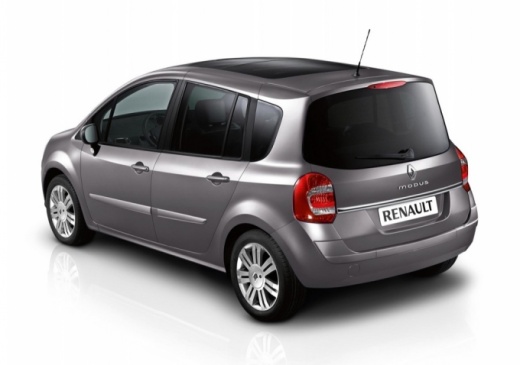
How to enter the unlock code for the radio in the Renault Modus?
Model: Renault Modus
MK 1
- Years 2004-2013
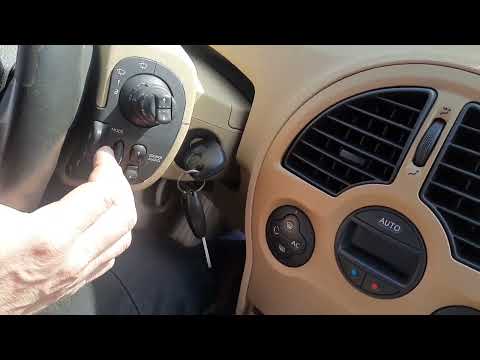
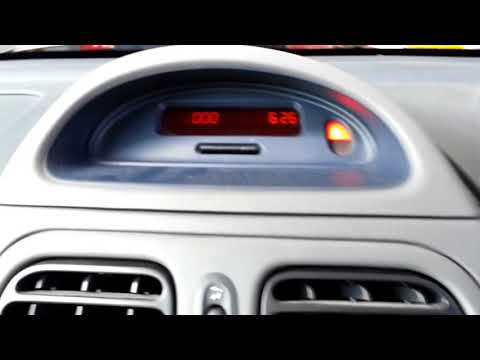
In this tutorial we can see how to enter the radio unlock code in the Renault Modus, an extremely simple and quick operation, to be carried out necessarily after disconnecting or replacing the battery. The code can be found in the documents provided at the time of purchase but, in case of loss, it can be recovered through one of the various online services. Once obtained, go inside the passenger compartment, then insert the key and turn on the instrument panel. At this point, enter the four digits using the "1", "2", "3" and "4" buttons, and save by holding down the "6" button.
Posted on 20 November 2024 by ScegliAuto
Video tutorial
Related tutorials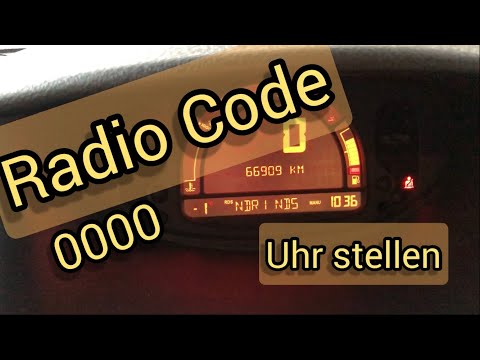
Renault Modus
(2004-2013 /
MK 1)
In this tutorial we can see how to enter the unlock code of the car radio in the Renault Modus, an extremely simple and quick operation, to be carrie…
Renault Modus
(2004-2013 /
MK 1)
Below we will see the steps that will allow us to find and enter the code for the Renault Modus radio, following the instructions below. First of all…
Renault Modus
(2004-2013 /
MK 1)
In this tutorial we can see how to enter the unlock code in the Renault Modus car radio, an operation to be carried out in case of blocking it follow…
Other guides you may be interested in
|
How to Remove the Gear Knob on a Renault Scenic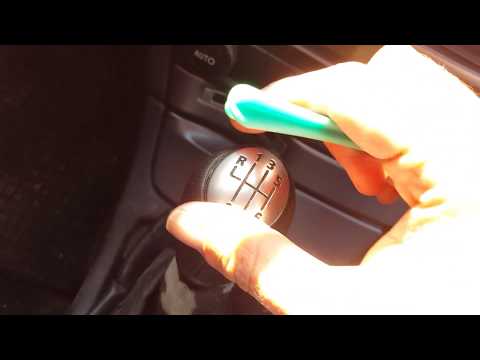
Want to replace the gear knob on a Scenic? Let’s see how to do it in this video. First, detach the leather gaiter cover from the edge of the centre console. Use a plastic spatula to remove the cap indicating the gear numbers. Grip the knob and twist it until it comes off the shaft. Disconnect the knob from the gaiter, fit a new one onto the gaiter (if the gaiter is damaged, replace it with a new one) and attach it to the metal shaft. Finally, secure the connectors of the leather gaiter onto the centre console. by ScegliAuto More videos
|
|
For advertising on this site Write to info@scegliauto.com
ScegliAuto is not responsible for any inaccuracy of the data in the lists. To report any inaccuracy or your business (if you own the business in question), please write to info@scegliauto.com
Number of seconds to generate the page: 0.137
(c) ScegliAuto 2026 - info@scegliauto.com - Privacy policy VAT number: IT01247470535 |
