
|
Do it yourself
| |||
| ||||


How to replace the Carminat TomTom system in the Renault Laguna with an Android one?
Model: Renault Laguna
MK 3, Laguna III, MK III, X91, Laguna 3
- Years 2007-2015
In this tutorial, we can see how to replace the Carminat TomTom system of the Renault Laguna with a latest generation Android system, a very simple and fast operation. First of all, make sure that the key is not inserted, then disconnect the negative terminal of the battery, go inside the cabin and unhook the various indicated plastics. Then extract the radio module using the appropriate keys, remove the ventilation nozzles and continue by disassembling the display. At this point, all that remains is to connect the replacement and reassemble everything.
Posted on 23 December 2024 by ScegliAuto
This video is currently unavailable
Related tutorials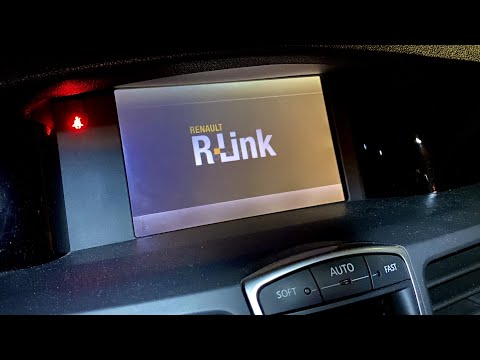
Renault Laguna
(2007-2015 /
MK 3, Laguna III, MK III, X91, Laguna 3)
To reset the R-Link system of the Renault Laguna, turn the ignition key so that the instrument panel and the radio, which contains the R-Link system,…

Renault Laguna
(2007-2015 /
MK 3, Laguna III, MK III, X91, Laguna 3)
The auxiliary function allows you to connect external audio devices such as smartphones, tablets, and MP3 players to the vehicle. To activate the sys…
Renault Laguna
(2001-2007 /
MK 2, Laguna 2, X74)
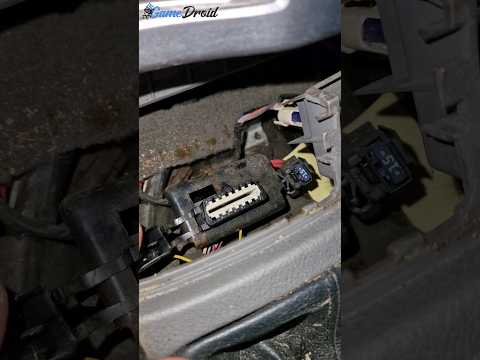
Let's see where to find the EOBD (European On-Board Diagnostic) port on the Renault Laguna II. Typically, the access port to the vehicle's ECU is loc…
Other guides you may be interested in
|
How to Open a Stuck Boot on the Peugeot 407?
On the Peugeot 407, the boot may become stuck, possibly due to a problem with the control button or the lock actuator. In such cases, you can perform an emergency opening by following the simple procedure shown in this tutorial. First, open the rear doors, then lower the seat back by operating the release lever. Next, go inside the boot, locate the lock, and manually operate it using a flathead screwdriver. The boot will then be free to open. by ScegliAuto More videos
|

|
For advertising on this site Write to info@scegliauto.com
ScegliAuto is not responsible for any inaccuracy of the data in the lists. To report any inaccuracy or your business (if you own the business in question), please write to info@scegliauto.com
Number of seconds to generate the page: 0.588
(c) ScegliAuto 2026 - info@scegliauto.com - Privacy policy VAT number: IT01247470535 |
