
|
Do it yourself
| |||
| ||||


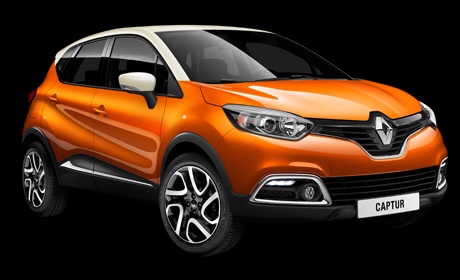
How to activate and deactivate the position lights of the Renault Clio IV
Model: Renault Captur
MK 1
- Years 2013-2019
Video tutorial
Detailed instructions - Today we will explain how to activate and deactivate the position lights on the Renault Clio IV. Get on board the vehicle, on the left side of the steering wheel there is a lever with the symbols of the position lights, to activate the lights just rotate the top part of the lever. On the instrument panel display a green light will activate to indicate that the lights are on. To disable the lights just rotate the top part of the lever back to its original position. Immediately after on the instrument panel display the light will turn off and it will be possible to turn off the instrument panel and the vehicle.
Posted on 25 March 2025 by ScegliAuto
Related tutorials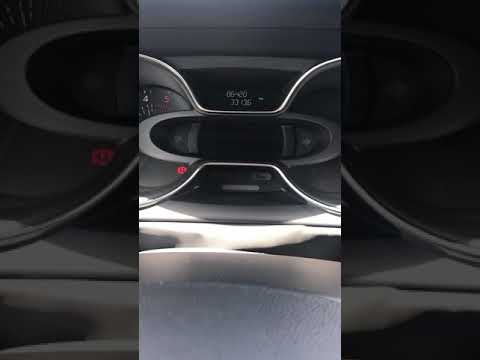
Renault Captur
(2013-2019 /
MK 1)
In this brief and simple guide, we will see the instructions to enable or disable the start&stop system on the Renault Captur, as well as the Clio. F…

Renault Captur
(2019-2026 /
MK 2)
Today we will see how to activate the lane assistant on a Renault Captur vehicle. The lane assistant acts as a help in case you are driving on a slip…
Renault Captur
(2019-2026 /
MK 2)
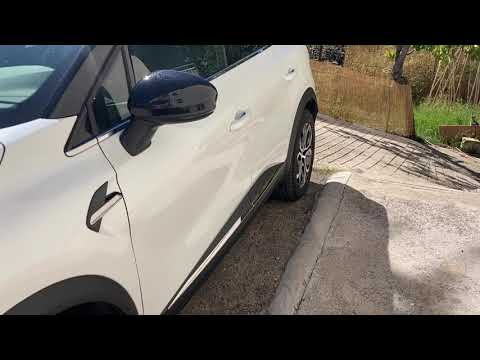
To disable the lock sound on the Renault Captur, enter the cabin and press the settings button located in the central menu. Then, select "Car Configu…
Other guides you may be interested in
|
Resetting the Tyre Pressure Warning Light on the Hyundai I20
The following instructions will show you how to reset the tyre pressure warning light on the Hyundai I20; before performing the reset, ensure that all four tyres are at the correct operating pressure. Then, get in the vehicle and turn on the ignition; press and hold the TPMS button located on the controls to the left of the steering wheel, as well as on the dashboard, as shown in the video. If the tyre pressures are correct, the warning light will automatically reset on the instrument panel; finally, turn off the ignition and start the engine! by ScegliAuto More videos
|
|
For advertising on this site Write to info@scegliauto.com
ScegliAuto is not responsible for any inaccuracy of the data in the lists. To report any inaccuracy or your business (if you own the business in question), please write to info@scegliauto.com
Number of seconds to generate the page: 0.092
(c) ScegliAuto 2026 - info@scegliauto.com - Privacy policy VAT number: IT01247470535 |
