
|
Do it yourself
| |||
| ||||


How to reset the service light on the Renault Scenic
Model: Renault Scenic
MK IV, MK 4, Scenic IV, Scenic 4
- Years 2016-2022
Let's see the process that will allow us to reset the service light for the regular maintenance of the engine oil change in the Renault Scenic. First of all, we get into the car and start the instrument panel; then we use the controls on the steering wheel until we reach the service option that appears on the instrument panel display, as shown in the video. At this point, we hold down the "ok" button on the steering wheel to confirm and perform the reset of the regular maintenance reminder, thus resetting the mileage before the next service!
Posted on 23 April 2025 by ScegliAuto
Video tutorial
Related tutorials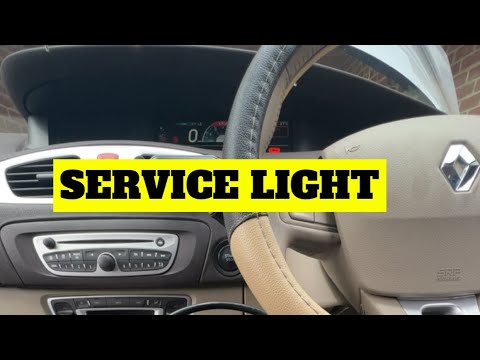
Renault Scenic
(2009-2015 /
MK III, Scenic III, Scenic 3, MK 3)
In this tutorial, we can see how to reset the service light in the Renault Scenic, an extremely simple and quick operation, to be performed only once…
Renault Scenic
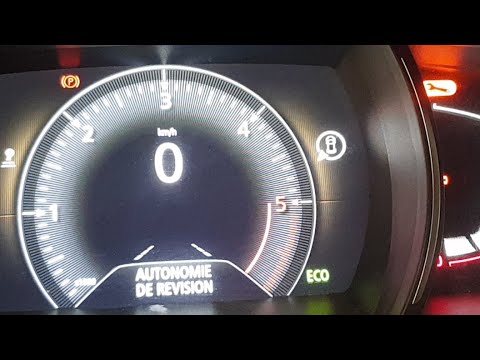
(2016-2022 /
MK IV, MK 4, Scenic IV, Scenic 4)
Once the engine oil and filter have been replaced on this car in DIY mode, we must then complete the job by resetting the service light that came on …

Renault Scenic
(2016-2022 /
MK IV, MK 4, Scenic IV, Scenic 4)
The Service indicator that appears on the instrument panel of the Renault Scenic can be reset by turning the key to turn on the instrument panel and …
Other guides you may be interested in
|
How to Replace the Front Headlight Bulb in a Toyota Auris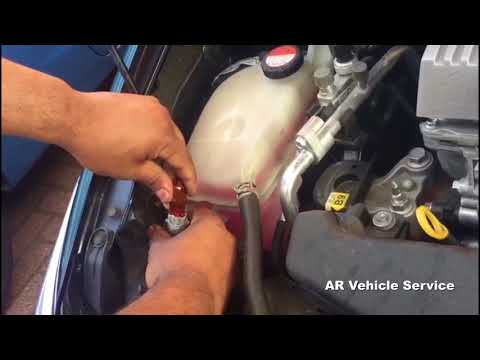
To perform this simple task, first disconnect the battery to protect any sensitive circuits. Then, to access the back of the headlight, lift the windscreen washer fluid funnel. Now, remove the covers at the back of the headlight to replace the necessary bulbs. Extract the bulb and disconnect the connector that powers it. Finally, reverse the steps for refitting. by ScegliAuto More videos
|
|
For advertising on this site Write to info@scegliauto.com
ScegliAuto is not responsible for any inaccuracy of the data in the lists. To report any inaccuracy or your business (if you own the business in question), please write to info@scegliauto.com
Number of seconds to generate the page: 0.107
(c) ScegliAuto 2026 - info@scegliauto.com - Privacy policy VAT number: IT01247470535 |
