
|
Do it yourself
| |||
| ||||


How to replace the external rearview mirror in the Renault Megane?
Model: Renault Megane
Megane III, Megane 3
- Years 2008-2015
In this tutorial, we can see how to replace the external rearview mirror in the Renault Megane, an extremely simple and fast operation. First of all, we open the door in which we will work, then we unhook the internal cover of the mirror by preferably using a plastic spatula. We then unscrew the three fixing bolts using a socket wrench, disconnect the connector of the adjustment motor, and separate the mirror from the door. At this point, all that remains is to position the replacement and reassemble everything following the reverse procedure.
Posted on 27 May 2025 by ScegliAuto
Video tutorial
Related tutorials
Renault Megane
(2002-2010 /
Megane 2)
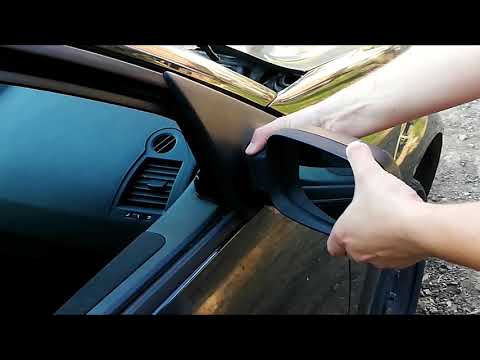
The steps in this guide will allow you to remove and replace the external rear-view mirror of a Renault Megane. First, get inside the vehicle and sta…
Renault Megane
(2002-2010 /
Megane 2)
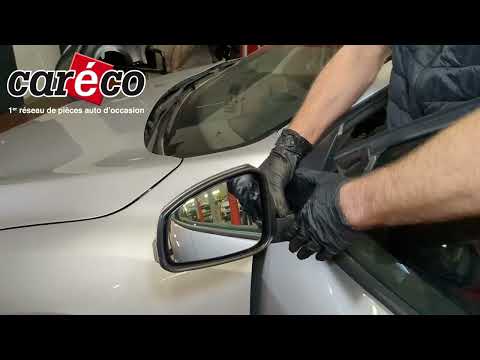
Follow the necessary steps to remove and replace the external wing mirror on the Renault Megane. First, open the front door and start by removing the…
Renault Megane
(2008-2015 /
Megane III, Megane 3)
Today, follow these step-by-step instructions to remove and replace the external rear-view mirror of the Renault Megane. First, open the front door o…
Other guides you may be interested in
|
Where is the Spare Wheel in the Peugeot 5008?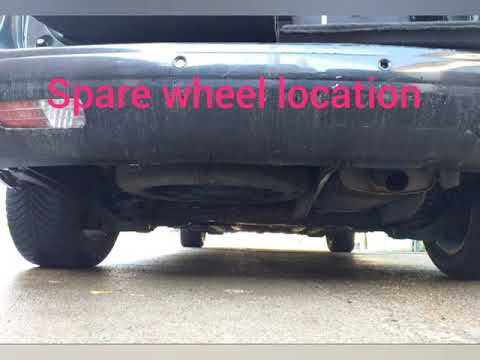
This video shows where the spare wheel is located in the Peugeot 5008 and how to access it, useful in case of a puncture. As shown, the wheel is not in the usual boot compartment but underneath it, outside the vehicle. To free the wheel, first gather the tools provided, then open the boot, locate the small indicated hatch, and open it. Next, loosen the bolt just released using the large socket wrench enough to lower the wheel to the ground. by ScegliAuto More videos
|
|
For advertising on this site Write to info@scegliauto.com
ScegliAuto is not responsible for any inaccuracy of the data in the lists. To report any inaccuracy or your business (if you own the business in question), please write to info@scegliauto.com
Number of seconds to generate the page: 0.419
(c) ScegliAuto 2026 - info@scegliauto.com - Privacy policy VAT number: IT01247470535 |
