
|
Do it yourself
| |||
| ||||


How do you reset the Service light on the Renault Laguna?
Model: Renault Laguna
MK 2, Laguna 2, X74
- Years 2001-2007
To make the Service light disappear that appears on the instrument panel of the Renault Laguna, you will need to insert the ignition key into the corresponding slot and then press the button that turns on the instrument panel. Once the instrument panel is on, you can navigate through the menu by repeatedly pressing the button located at the end of the lever on the right side of the instrument panel. At this point, when the voice with the remaining km until the next service appears, you will need to hold down the button until the light is reset.
Posted on 5 July 2025 by ScegliAuto
Video tutorial
Related tutorials
Renault Laguna
(2007-2015 /
MK 3, Laguna III, MK III, X91, Laguna 3)
In this tutorial, you will see how to reset the service light in the Renault Laguna, a very simple and quick operation to perform only after completi…
Renault Laguna
(2007-2015 /
MK 3, Laguna III, MK III, X91, Laguna 3)
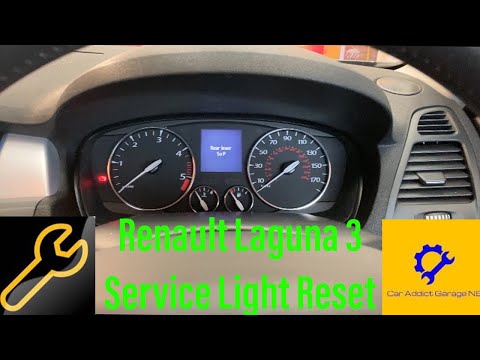
In this tutorial, you will see how to reset the service light on the Renault Laguna 3. Before performing this simple operation, ensure you have compl…

Renault Laguna
(2007-2015 /
MK 3, Laguna III, MK III, X91, Laguna 3)
When the service light on your car illuminates, it means it's time for a service. If you prefer to opt for a DIY maintenance approach, you also need …
Other guides you may be interested in
|
How to Replace the Remote Battery for the Volvo XC40?
In this tutorial, you will see how to replace the battery in the remote for the Volvo XC40, a very simple and quick operation. For this, you will need a replacement battery of type CR2032 and possibly a small flathead screwdriver. First, remove the front cover by pressing the button on the metal ring, then locate the second button, press it as well, and remove the opposite cover. Next, open the circular cap, take out the old battery, and insert the new one in the opposite direction. Finally, reassemble everything. by ScegliAuto More videos
|
For advertising on this site Write to info@scegliauto.com
ScegliAuto is not responsible for any inaccuracy of the data in the lists. To report any inaccuracy or your business (if you own the business in question), please write to info@scegliauto.com
Number of seconds to generate the page: 0.492
(c) ScegliAuto 2026 - info@scegliauto.com - Privacy policy VAT number: IT01247470535 |
