
|
Do it yourself
| |||
| ||||


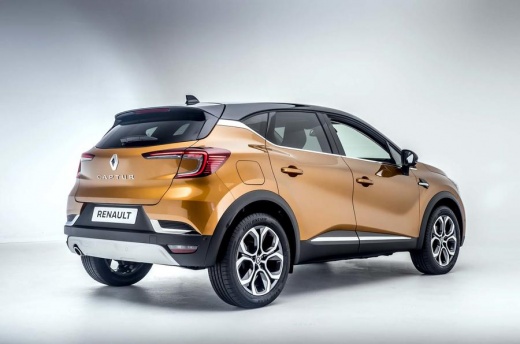
Can You Reset the Onboard Computer in a Renault Captur 2?
Model: Renault Captur
MK 2
- Years 2019-2026
This video is currently unavailable
Detailed instructions - It is not uncommon for a car's onboard computer to malfunction, meaning not faults related to actual breakdowns of electronic components, but temporary interruptions in operation, essentially software-related freezes. There is a very simple and probably the most common remedy to attempt a reset, which involves disconnecting the negative terminal of the 12-volt battery that powers the vehicle with the instrument cluster off, waiting a few minutes, and reconnecting it. After turning on the instrument cluster, everything should function normally.
Posted on 13 May 2026 by ScegliAuto
Related tutorials
Renault Captur
(2013-2019 /
MK 1)
In order to reset the onboard computer of the Renault Captur, you will first need to turn on the instrument panel so that you can navigate through th…

Renault Captur
(2019-2026 /
MK 2)
In this tutorial, you will learn how to reset the onboard computer in the Renault Captur, a very simple and quick operation that can be performed as …
Renault Captur
(2013-2019 /
MK 1)
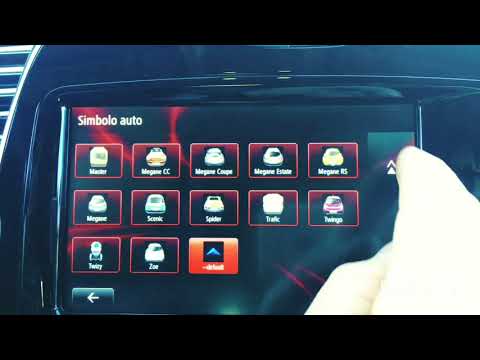
In this video, see a fun thing: how to set your Renault Captur symbol on the sat nav. With the onboard computer on, click on "menu", then on "navigat…
Other guides you may be interested in
|
Frequently Asked QuestionsHow to set the clock on the Vespa 125 Primavera?
To set the clock on the Vespa 125 Primavera, press and hold the black button located just below the black knob on the bike: keep the button pressed until the hour number starts to flash. Once it is flashing, you can change the hours with single presses of the same button; then, by pressing and holding the button again, the hour number will stop flashing and the minute number will start to flash, which can be modified in the same way, confirming the input by holding the button. by ScegliAuto More videos
|
|
For advertising on this site Write to info@scegliauto.com
ScegliAuto is not responsible for any inaccuracy of the data in the lists. To report any inaccuracy or your business (if you own the business in question), please write to info@scegliauto.com
Number of seconds to generate the page: 0.104
(c) ScegliAuto 2026 - info@scegliauto.com - Privacy policy VAT number: IT01247470535 |
