
|
Do it yourself
| |||
| ||||


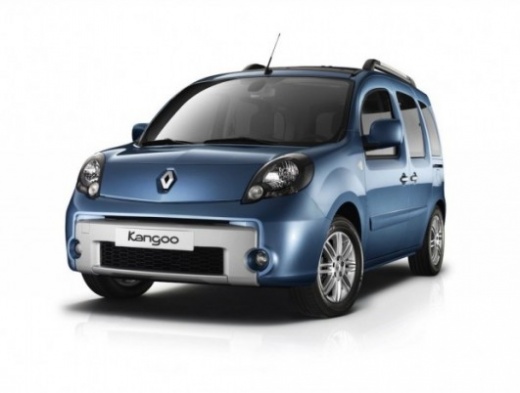
Removing the Dashboard and Replacing the Speakers on a Renault Kangoo
Model: Renault Kangoo
MK 2, FC, FW
- Years:
2007, 2008, 2009, 2010, 2011, 2012, 2013, 2014, 2015, 2016, 2017, 2018
Video tutorial
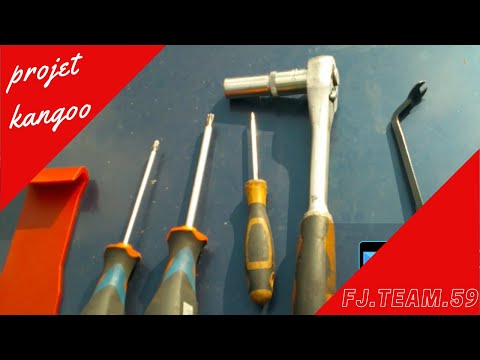
In this video, the YouTuber shows how to remove the dashboard of a Renault Kangoo to replace the original speakers. To start, locate the Torx T20 screws positioned at the sides of the dashboard and remove them. Next, carefully unclip the panel using a plastic tool to avoid breaking the retaining clips. Before completely removing the piece, it may be necessary to take off the cover of the steering column, which is also secured with T20 screws. Once the dashboard is disassembled, you can easily access the speakers. To replace them, the author suggests cutting the original connectors and soldering the new wires, ensuring to respect the positive and negative polarity, using heat-shrink tubing to insulate the solder joints. During reassembly, it is important to hand-tighten the first threads to avoid stripping the screws, and to prevent future squeaks, it is advised to apply a bit of silicone at the joining points. You can find the two JVC speakers on Amazon with code B00JHERC8I for £23.75, with free delivery for Prime customers.
Posted on 27 June 2026 by ScegliAuto
Related tutorials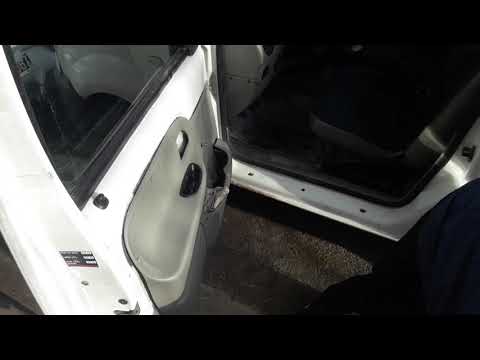
Renault Kangoo
(1997-2008 /
KC, MK 1, KW)
How do you remove the cover panel of the door? Let’s look at removing the door panel of a Renault Kangoo. Open the car's door, unscrew the screws loc…
Renault Kangoo
(2007-2021 /
MK 2, FC, FW)
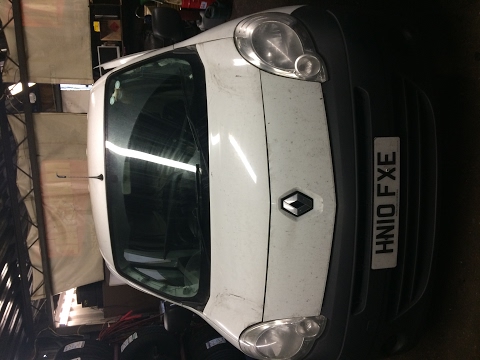
Removing the fan from the Kangoo? Disassemble all the dashboard plastics to access the air fan. Remove the covering plastics located under the front …
Renault Kangoo
(1997-2008 /
KC, MK 1, KW)
Below we will see step-by-step instructions on how to disassemble and replace the instrument panel of the Renault Kangoo dashboard. First, we get int…
Other guides you may be interested in
|
How to Open the Fuel Filler Flap in the Hyundai i30?
In this tutorial, you will learn how to open the fuel filler flap in the Hyundai i30, a very simple operation that follows the typical procedure of most vehicles. First, unlock the locks using the designated button on the remote, then open the driver's door, locate the release lever on the left side of the seat, and operate it. Next, move to the fuel filler flap, open it completely, unscrew the cap, and refuel as needed. To close the flap, simply press it gently. by ScegliAuto More videos
|
|
For advertising on this site Write to info@scegliauto.com
ScegliAuto is not responsible for any inaccuracy of the data in the lists. To report any inaccuracy or your business (if you own the business in question), please write to info@scegliauto.com
Number of seconds to generate the page: 0.027
(c) ScegliAuto 2026 - info@scegliauto.com - Privacy policy VAT number: IT01247470535 |
