
|
Do it yourself
| |||
| ||||


How to Reset the Tyre Pressure Light on the Renault Clio?
Model: Renault Clio
Clio V, Clio 5
- Years 2019-2026
You can completely clear the Service light displayed on the Renault Clio's instrument panel by inflating the tyres until they reach the optimal pressure value: this value is written on the sticker attached to the driver's door pillar. Once inflated, navigate the instrument panel using the directional buttons on the right side of the steering wheel: stop at the tyre pressure option and hold the OK button until the light is completely cleared from the display.
Posted on 30 June 2026 by ScegliAuto
Video tutorial
Related tutorials
Renault Clio
(2019-2026 /
Clio V, Clio 5)
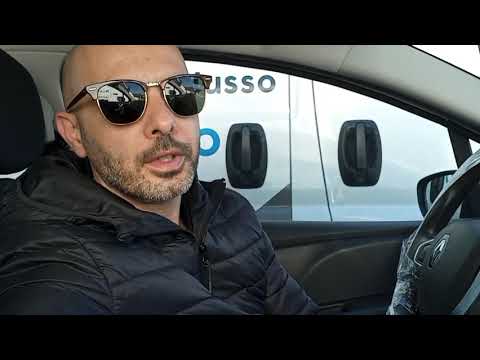
The ignition of the tire pressure warning light signals an anomaly in the pressures on one or more tires; before resetting the light on the Renault C…
Renault Clio
(2005-2013 /
MK 3, Clio 3, Clio III)
To reset the tyre pressure warning light on a Renault Clio, first access the onboard computer menu. Before doing this, ensure the tyre pressures are …

Renault Clio
(2019-2026 /
Clio V, Clio 5)
These simple steps will allow us to reset the tire pressure monitoring system (TPMS) light on the Renault Clio; before performing the reset, it is ne…
Other guides you may be interested in
|
How to Reset the Central Locking of the Volkswagen Golf 4?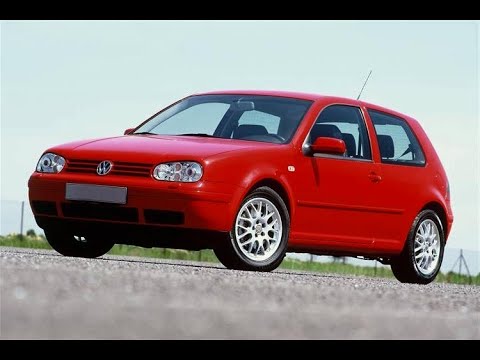
If the central locking system of the Volkswagen Golf 4 is not working, it is likely necessary to reset the system: to do this, open the driver's door and detach the side panel of the dashboard next to the steering wheel. Under this panel, you will find the fuses, including the one for the central locking, which is indicated in the manual as number 14. To reset the system, remove this fuse from its housing, then reinsert it or replace it with a new one of the same amperage: this will reset the central locking system. by ScegliAuto More videos
|
|
For advertising on this site Write to info@scegliauto.com
ScegliAuto is not responsible for any inaccuracy of the data in the lists. To report any inaccuracy or your business (if you own the business in question), please write to info@scegliauto.com
Number of seconds to generate the page: 0.073
(c) ScegliAuto 2026 - info@scegliauto.com - Privacy policy VAT number: IT01247470535 |
