
|
Do it yourself
| |||
| ||||


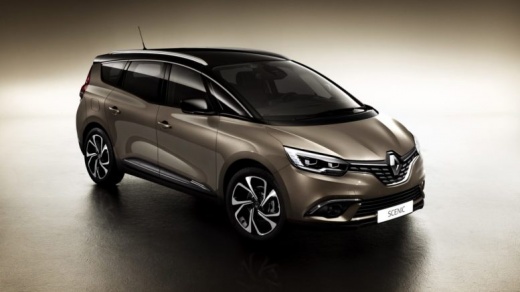
How to replace the number plate lights with LED ones on a Renault Scenic?
Model: Renault Scenic
Scenic IV, Scenic 4, MK IV, MK 4
- Years:
2016, 2017, 2018, 2019, 2020, 2021, 2022
Video tutorial
Let's see how to replace the number plate lights with LED ones on a Renault Scenic: start by removing the lamp holder located on the tailgate, just above the number plate: simply press the side tab and gently pull it out. Inside, you will find a wedge base bulb (W5W or T10): pull it out to remove it from its seat. Insert the new LED bulb, ensuring the correct polarity, then reposition the lamp holder in its place until you hear the click of the lock. Choose an LED with about 50 lumens to illuminate the number plate well without dazzling; avoid bluish tones and opt for pure white. Also, select bulbs with built-in resistors (canbus error-free). Test the functionality before reassembling everything.
Posted on 15 August 2026 by ScegliAuto
Related tutorials
Renault Scenic
(2003-2009 /
Scenic 2, MK 2)
In this video tutorial, you will see how to remove and replace the number plate bulbs on the Renault Scenic in simple and quick steps. First, move to…
Renault Scenic
(2009-2015 /
MK III, Scenic III, Scenic 3, MK 3)
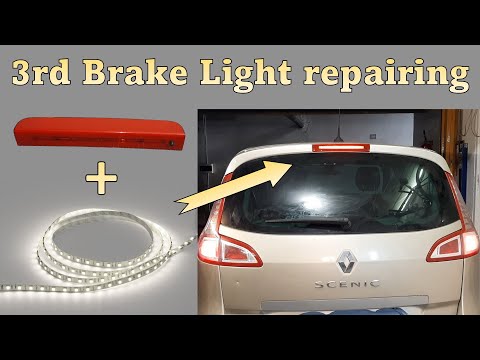
In this guide, find the instructions to remove and replace the third brake light and its bulbs on the Renault Scenic by following these simple steps.…

Renault Scenic
(2016-2022 /
Scenic IV, Scenic 4, MK IV, MK 4)
Today we will see how to reset the service light on a Renault Scenic 4. We start the procedure by turning on the ignition of our car, then, using the…
Other guides you may be interested in
|
How to Set the Time in an Audi A4?
In this tutorial, you will see how to set the time in an Audi A4, a very simple and quick operation to perform after replacing the battery or when the time changes. First, insert the key and turn on the instrument cluster. Then, press the "SETUP" button located on the center console. Next, press the upper left arrow button, navigate to the "Time" option, and use the central knob to adjust the clock. Finally, set any necessary formats and save by returning to the main screen. by ScegliAuto More videos
|
|
For advertising on this site Write to info@scegliauto.com
ScegliAuto is not responsible for any inaccuracy of the data in the lists. To report any inaccuracy or your business (if you own the business in question), please write to info@scegliauto.com
Number of seconds to generate the page: 0.033
(c) ScegliAuto 2026 - info@scegliauto.com - Privacy policy VAT number: IT01247470535 |
