
|
Do it yourself
| |||
| ||||


How to reset the oil warning light on Renault Clio
Model: Renault Clio
MK 4, Clio 4, Clio IV
- Years 2012-2019
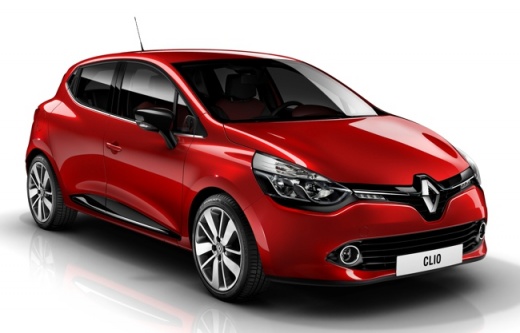
Manually resetting the oil sight glass is a standard procedure that must be carried out whenever the engine oil and relative filter are changed. In this our new guide we will explain what are the necessary steps to be able to perform the reset in a few seconds and without the help of an expert in the sector. First insert the key and turn on the car ignition. Then press the button located at the end of the right lever several times consecutively until the oil change item appears on the dashboard display. Finally, hold down the same button for a few seconds and you are done.
Posted on 5 March 2022 by ScegliAuto
Video tutorial
Related tutorials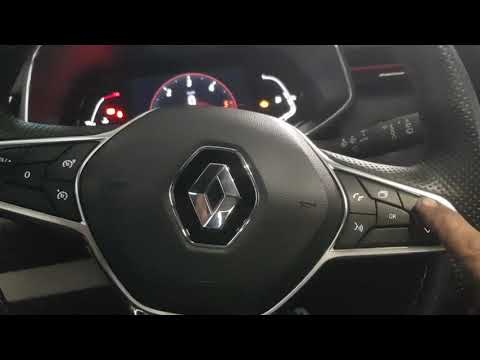
Renault Clio
(2019-2026 /
Clio 5, Clio V)
In order to reset the Renault Clio 5's Oil Service warning light, you need to insert the ignition key, turning it to turn on the instrument panel. On…

Renault Clio
(1998-2005 /
MK 2, Clio 2)
In this new mini guide aimed at those of you who own a Renault Clio second series, we will explain how you can manually reset the oil warning light. …
Renault Clio
(1998-2005 /
MK 2, Clio 2)
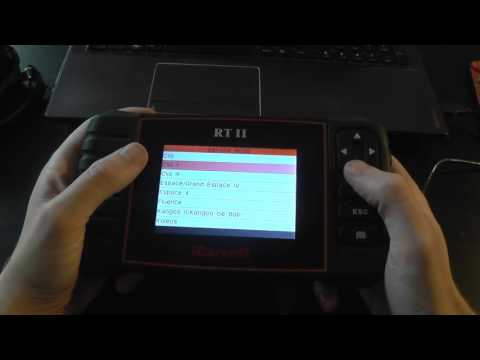
In order to reset the Renault Clio 2 Oil Service warning light, you need to turn on the instrument panel by turning the appropriate key: then you wil…
Other guides you may be interested in
|
Frequently Asked QuestionsHow to Clean the Injectors on BMW 3 Series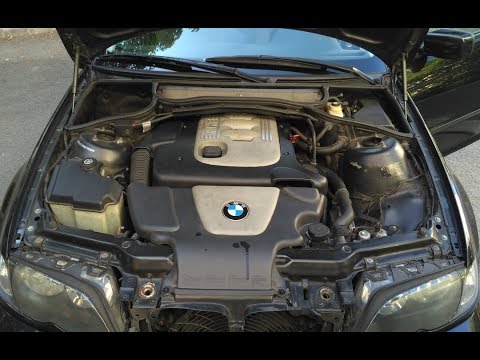
Let's see how to clean the injectors on BMW 3 Series with the appropriate cleaning kit. Lift the hood and secure it with the prop rod, then disconnect the fuel supply hose that leads to the injectors. Connect the pressure gauge and the cleaning kit to the fuel lines; start running the cleaning fluid from the previously connected kit through the fuel lines of the injectors (repeat this process several times). Disconnect everything and start the engine. Reinstall the fuel line leading to the injectors after cleaning them of any dirt and deposits. by ScegliAuto More videos
|
|
For advertising on this site Write to info@scegliauto.com
ScegliAuto is not responsible for any inaccuracy of the data in the lists. To report any inaccuracy or your business (if you own the business in question), please write to info@scegliauto.com
Number of seconds to generate the page: 0.146
(c) ScegliAuto 2026 - info@scegliauto.com - Privacy policy VAT number: IT01247470535 |
