
|
Do it yourself
| |||
| ||||


How do you reset the Renault Twingo service warning light?
Model: Renault Twingo
Twingo 2
- Years 2007-2014
In order to reset the Renault Twingo's Service warning light, you need to insert the key in order to turn on the instrument panel: once this has been turned on, press the button on the end of the lever to the right of the steering wheel, until the car icon with the wrench will appear in the center display. At this point it will be necessary to keep the button pressed for a few seconds, until the Service light is correctly reset and the maintenance interval has been reset. It will be possible to verify that the reset has been carried out correctly by switching the instrument panel off and on again.
Posted on 21 March 2022 by ScegliAuto
Video tutorial
Related tutorials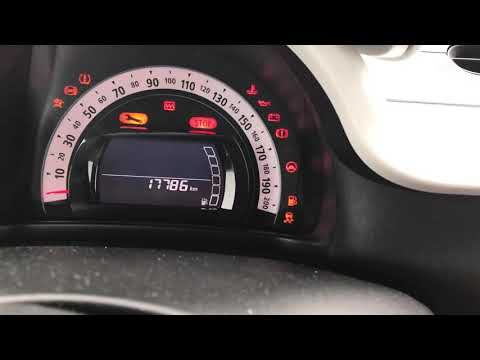
Renault Twingo
(2014-2024 /
Twingo 3, Twingo III)
To reset the Renault Twingo's Service light, you need to turn on the instrument panel by turning the appropriate key inside the ignition block. Once …
Renault Twingo
(2014-2024 /
Twingo 3, Twingo III)
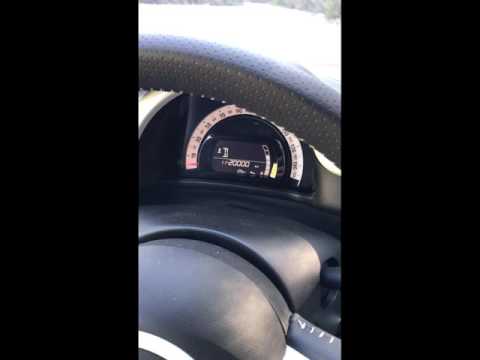
To reset the Service light on a Renault Twingo, turn on the instrument panel by turning the key in the ignition block. Once the panel is on, use the …
Renault Twingo
(2014-2024 /
Twingo 3, Twingo III)
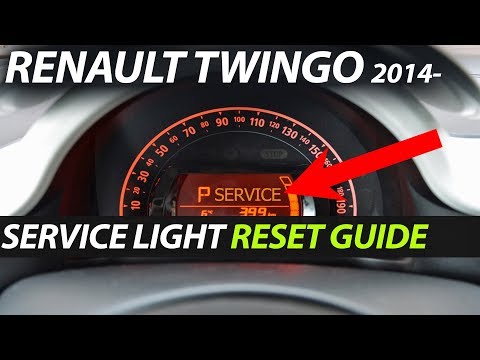
To reset the Service light on the Renault Twingo, you need to insert the ignition key into the slot and turn it to switch on the instrument panel. On…
Other guides you may be interested in
|
Frequently Asked QuestionsHow to Remove the Front Seats from a Classic Fiat 500
How to remove the front seats from a classic Fiat 500? In this video, follow these steps: first, slide the seats forward and lift them up, then unscrew the retaining bolts on the rails fixed to the car's chassis using a socket or impact driver (use appropriate release agents if the bolts do not unscrew). Remove the retaining bolts at the bottom of the car (use spanners on both the upper and lower parts of the connecting bolts). Finally, install the new front seat by following the disassembly steps mentioned earlier. by ScegliAuto More videos
|
For advertising on this site Write to info@scegliauto.com
ScegliAuto is not responsible for any inaccuracy of the data in the lists. To report any inaccuracy or your business (if you own the business in question), please write to info@scegliauto.com
Number of seconds to generate the page: 0.219
(c) ScegliAuto 2026 - info@scegliauto.com - Privacy policy VAT number: IT01247470535 |
