
|
Do it yourself
| |||
| ||||



How to reset the service light on the Renault Captur
Model: Renault Captur
MK 1
- Years:
2013, 2014, 2015, 2016, 2017, 2018, 2019
Video tutorial
After performing the routine maintenance required by the Renault Captur, it is necessary to reset the service light or maintenance light. To reset this light, you must: turn on the instrument panel and press the menu button located on the right side of the steering wheel, then use the arrow keys to scroll through the menu until you select the "Maintenance" option. Select it and hold the arrow button for about 5 seconds. Then, simply enter the new maintenance interval. Return to the main menu and turn off the ignition. This will reset the service light.
Updated on 14 August 2026 by ScegliAuto
Related tutorials
Renault Captur
(2019-2026 /
MK 2)
This video shows the entire operation to perform routine and scheduled maintenance on the 2022 Renault Captur. The engine oil, oil filter, and air fi…
Renault Captur
(2013-2019 /
MK 1)
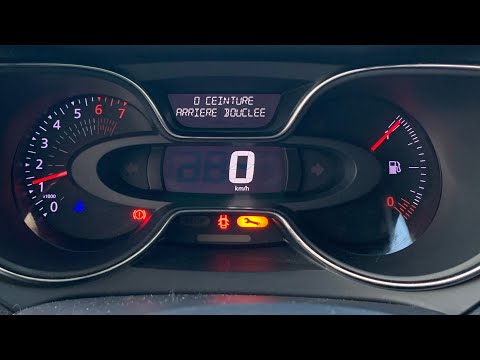
To reset the Service light on the Renault Captur, turn on the instrument panel by turning the key in the ignition switch: once the panel is on, press…
Renault Captur
(2019-2026 /
MK 2)
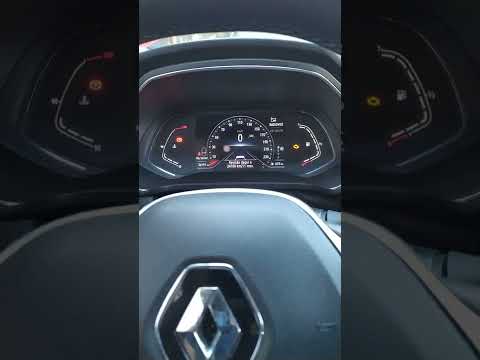
To reset the service light on a Renault Captur, after completing the required service, get into the vehicle and close all four doors, then turn on th…
Other guides you may be interested in
|
How to Set the Time on an Audi A6
Briefly, we will see the instructions to set the time on the Audi A6 by following these simple steps. First, get inside the vehicle and turn on the instrument cluster; then press the settings button and navigate to the time option to confirm your choice, as shown in the video. At this point, set the correct time and format, then exit the settings menu to save the changes made; finally, start the engine and ensure that the time has been set correctly! by ScegliAuto More videos
|
|
For advertising on this site Write to info@scegliauto.com
ScegliAuto is not responsible for any inaccuracy of the data in the lists. To report any inaccuracy or your business (if you own the business in question), please write to info@scegliauto.com
Number of seconds to generate the page: 0.080
(c) ScegliAuto 2026 - info@scegliauto.com - Privacy policy VAT number: IT01247470535 |
