
|
Do it yourself
| |||
| ||||


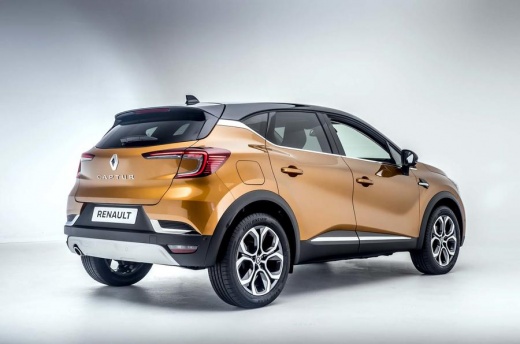
How to reset the TPMS light on the Renault Captur?
Model: Renault Captur
MK 2
- Years 2019-2026
After inflating the four tires and checking all the tires according to the instructions on the side stickers of the doors, we can reset the TPMS light. Removing this light on the Renault Captur is very simple and can be done in three easy steps: - turn on the instrument panel and then press the menu button on the steering wheel; - select the menu option for tire pressure; - press and hold the OK button on the steering wheel to reset the light; By doing this, you have performed the reset, and all that's left is to turn off the vehicle.
Posted on 5 September 2023 by ScegliAuto
Video tutorial
Related tutorials
Renault Captur
(2013-2019 /
MK 1)
Today we will explain how to reset the tire pressure warning light, also known as TPMS, on a Renault Captur vehicle. Before performing the reset, it …

Renault Captur
(2019-2026 /
MK 2)
The TPMS warning light comes on in a Renault Captur when it is necessary to adjust the tire pressure. Once the tire pressure has been adjusted, follo…

Renault Captur
(2013-2019 /
MK 1)
Let's turn on the dashboard of the Renault Captur to reset the tire pressure warning light. Press the down arrow button to access the vehicle setting…
Other guides you may be interested in
|
How to Replace the Spark Plugs on a Kia Cee'd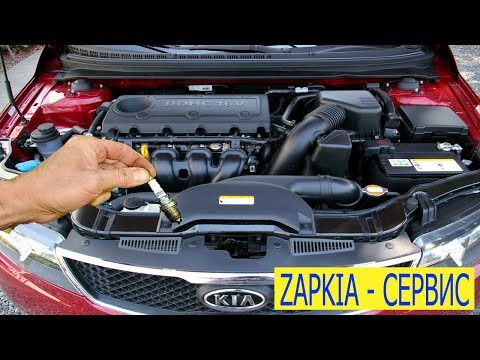
First, release the bonnet using the appropriate lever to lift it and secure it with the prop rod. Then, remove the upper rear cover of the engine, where the tops of the spark plugs are located. Once the cover is removed, disconnect the connectors from the coils that feed the spark plugs at the bottom of the cylinder where the coils are housed. Using a socket spanner, unscrew the spark plugs and pull them out. If your socket is magnetised, it will help; otherwise, you will need to use long-nosed pliers, and you're done! by ScegliAuto More videos
|
|
For advertising on this site Write to info@scegliauto.com
ScegliAuto is not responsible for any inaccuracy of the data in the lists. To report any inaccuracy or your business (if you own the business in question), please write to info@scegliauto.com
Number of seconds to generate the page: 0.057
(c) ScegliAuto 2026 - info@scegliauto.com - Privacy policy VAT number: IT01247470535 |
