
|
Do it yourself
| |||
| ||||


Resetting Service Indicator for Next Service
Model: Renault Clio
MK 3, Clio 3, Clio III
- Years 2005-2013
To schedule the next maintenance service, it is necessary to reset the distance indicator on the onboard computer. To perform the required operation, follow these steps. Turn the ignition key to the start position to activate the dashboard. Press the button located on the wiper stalk until the service 2 symbol appears on the display. To reset, press and hold the button marked with the upward arrow for at least 5 seconds. Turn the key to the off position and then turn the ignition back on to check that the indicator shows 00.
Updated on 2 February 2026 by ScegliAuto
Video tutorial
Related tutorials
Renault Clio
(2012-2019 /
MK 4, Clio 4, Clio IV)
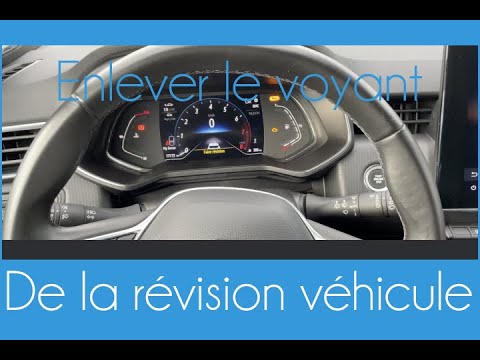
The service warning light turns amber yellow on the display when it's time to perform the car maintenance. The maintenance includes all the necessary…
Renault Clio
(2019-2026 /
Clio V, Clio 5)
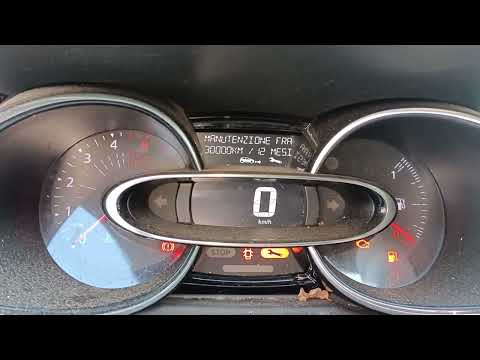
Today's guide will show us the necessary procedure for resetting the service light for regular maintenance of the Renault Clio's engine oil change. F…
Renault Clio
(2012-2019 /
MK 4, Clio 4, Clio IV)
Following the replacement of the motor oil as scheduled in the regular maintenance plan for the Renault Clio, it is necessary to reset the Service li…
Other guides you may be interested in
|
Remove the Front Door Panel on Mercedes C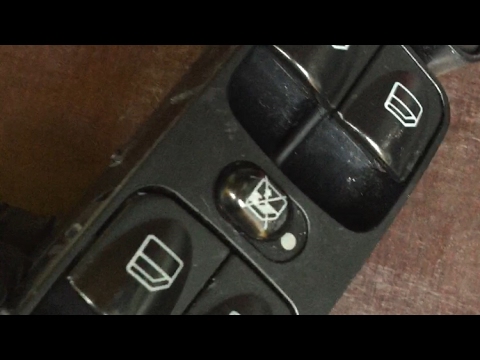
Remove the front door panel on Mercedes C to access the window switch assembly. Disconnect the battery terminals in the engine compartment. Use a screwdriver to remove the screws located in the upper lever opening area and the screws in the handle (after removing the plastic screw covers). Remove the trim near the lock, unscrew any remaining screws on the door panel, and detach the retaining clips. Finally, pull off the panel and disconnect it from the door (unplug the power harness and the opening cable). Unscrew or detach the retaining clips of the window switch assembly. by ScegliAuto More videos
|

|
For advertising on this site Write to info@scegliauto.com
ScegliAuto is not responsible for any inaccuracy of the data in the lists. To report any inaccuracy or your business (if you own the business in question), please write to info@scegliauto.com
Number of seconds to generate the page: 0.107
(c) ScegliAuto 2026 - info@scegliauto.com - Privacy policy VAT number: IT01247470535 |
