
|
Do it yourself
| |||
| ||||


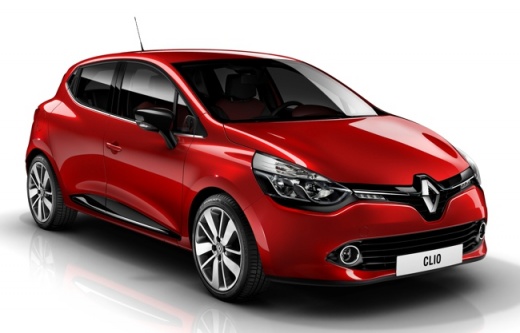
How to restore the service on Renault Clio 4.
Model: Renault Clio
MK 4, Clio 4, Clio IV
- Years 2012-2019
In this video, it is shown how to perform the procedure to reset the service indicator on the Renault Clio 4. To perform this procedure, first insert the key into the appropriate slot, then use the navigation buttons located on the side of the windshield wiper lever, scroll to the "revision range" option, then press and hold the up arrow button until the remaining range appears. Now, press and hold the up arrow button, the text will start flashing and then perform the reset and stop flashing, release the button only at this point.
Posted on 14 January 2024 by ScegliAuto
Video tutorial
Related tutorials
Renault Clio
(2019-2026 /
Clio V, Clio 5)
If you own a Renault Clio (year 2022) and are wondering how to manually reset the service light, then all you have to do is follow the steps describe…
Renault Clio
(2005-2013 /
MK 3, Clio 3, Clio III)
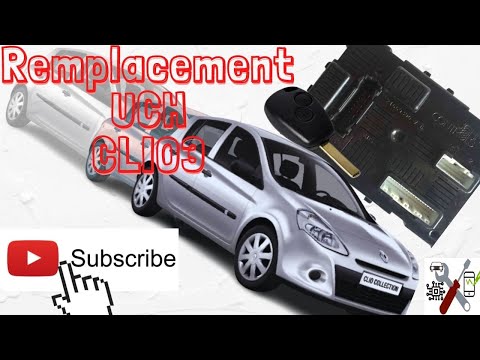
Today's guide will show us the necessary instructions to restore and program the Renault Clio ECU. First of all, we get on board the car and start co…
Renault Clio
(2019-2026 /
Clio V, Clio 5)
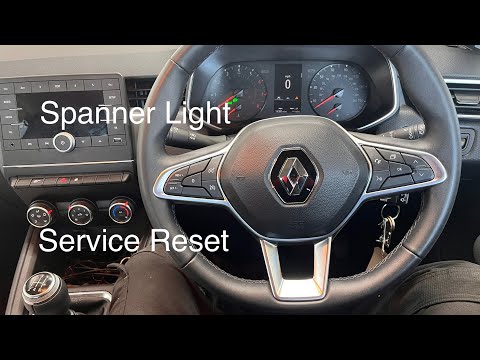
In this video, it is shown how to reset the service light on the Renault Clio MK5. This procedure is useful in case the light remains on after a serv…
Other guides you may be interested in
|
Frequently Asked QuestionsRemoving the Left Driver's Door Panel on a Toyota Aygo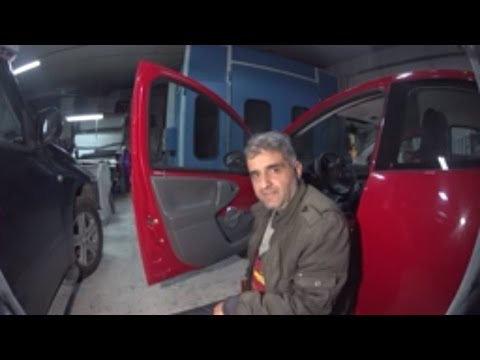
Carry out the removal of the left driver's door panel on a Toyota Aygo, here’s how to proceed. Before starting the disassembly, disconnect the battery terminals located in the engine bay. Use a lever or screwdriver to remove the window winder from the door panel. Unscrew the screws of the upper door opening lever with a screwdriver, then remove the trim plastic near the lever (remove the fastening screws). Use the lever to detach the fastening clips of the door panel from the door. Finally, grasp the panel with your hands and pry it off from the door. Reassemble everything in reverse order. by ScegliAuto More videos
|
|
For advertising on this site Write to info@scegliauto.com
ScegliAuto is not responsible for any inaccuracy of the data in the lists. To report any inaccuracy or your business (if you own the business in question), please write to info@scegliauto.com
Number of seconds to generate the page: 0.100
(c) ScegliAuto 2026 - info@scegliauto.com - Privacy policy VAT number: IT01247470535 |
