
|
Do it yourself
| |||
| ||||


How to Reset the Maintenance Light on a Renault Clio
Model: Renault Clio
Clio IV, MK 4, Clio 4
- Years 2012-2019
Don't worry about this persistent light; your car has no issues! Start your car by inserting the key into its slot and repeatedly press the button on the right stalk behind the steering wheel until the display shows "SERVICE DUE IN ...." Now, press and hold the same button for 5 seconds until the message "MAINTENANCE IN ...." appears. The light should now be off.
Press the same button again for 10 seconds until the messages on the display disappear. Great, you're done! Turn off and restart the car and head off to your destination!
Updated on 23 February 2026 by ScegliAuto
Video tutorial
Related tutorials
Renault Clio
(2019-2026 /
Clio V, Clio 5)
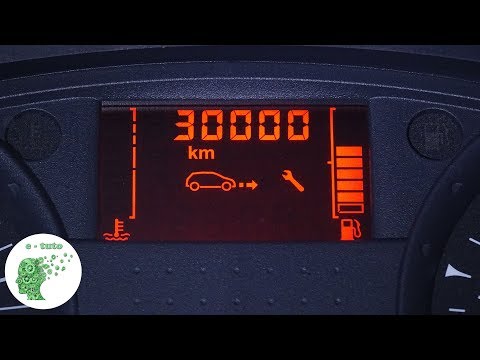
Let’s see how to reset the service light on a Renault Clio V: turn on the ignition without starting the engine and wait for the instrument test. Navi…
Renault Clio
(2005-2013 /
Clio 3, Clio III, MK 3)
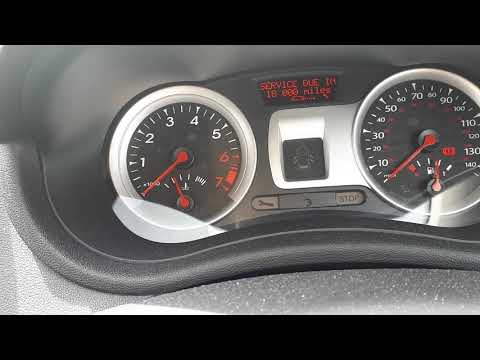
Today's brief instructions will show us how to reset the maintenance light for the oil change of the Renault Clio. First, we get into the car and tur…
Renault Clio
(2005-2013 /
Clio 3, Clio III, MK 3)
Is the maintenance light on your Renault Clio illuminated? Here’s how to reset it. Turn on the instrument panel with the ignition key. Press the butt…
Other guides you may be interested in
|
Frequently Asked QuestionsReplacing the Rear Window Regulator on a Grande Punto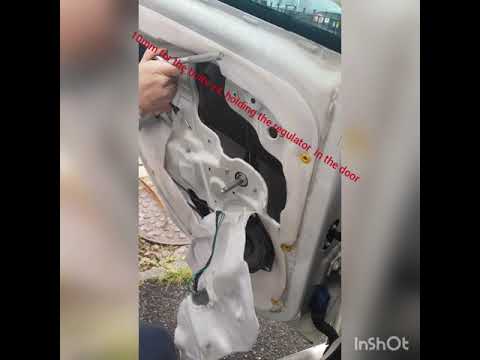
Replace the window regulator on a Fiat Grande Punto? Remove the door panel to access the window regulator motor. Use a lever to remove the manual window crank, then, with a screwdriver, unscrew the securing screws on the plastic panel. Once all screws are removed, use the lever to detach all the plastic clips that secure the door. Pull off the door panel by hand. Remove the access cover to the door and take out the window regulator motor and the rail with the glass. Pull out all the parts from inside the door and replace them with new ones. by ScegliAuto More videos
|
|
For advertising on this site Write to info@scegliauto.com
ScegliAuto is not responsible for any inaccuracy of the data in the lists. To report any inaccuracy or your business (if you own the business in question), please write to info@scegliauto.com
Number of seconds to generate the page: 0.125
(c) ScegliAuto 2026 - info@scegliauto.com - Privacy policy VAT number: IT01247470535 |
