
|
Do it yourself
| |||
| ||||


How do you reset the Service light on the Renault Trafic?
Model: Renault Trafic
MK 3
- Years 2014-2026
In order to reset the Service light on the Renault Trafic, you must press and hold the accelerator pedal while the instrument panel is off. Keeping the pedal pressed, you must then insert the key and turn it to turn on the instrument panel: once it is turned on, you must press the brake pedal three times quickly and once this is done you must turn off the instrument panel, releasing both pedals. Once this is turned off, you must turn it on again and in this way you will be able to see that the Service light will disappear completely.
Posted on 13 March 2024 by ScegliAuto
Video tutorial
Related tutorials
Renault Trafic
(2014-2026 /
MK 3)
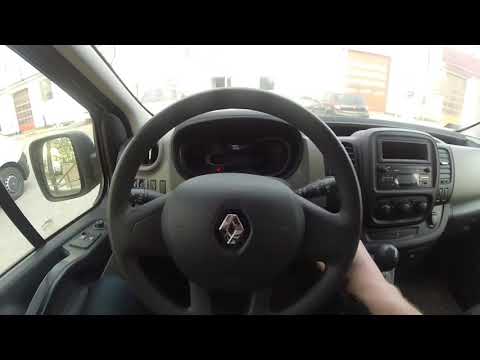
Let’s see, with the help of the available video, how to reset the Service light on a Renault Trafic. This light reminds us of the service deadline, s…
Renault Trafic
(2014-2026 /
MK 3)
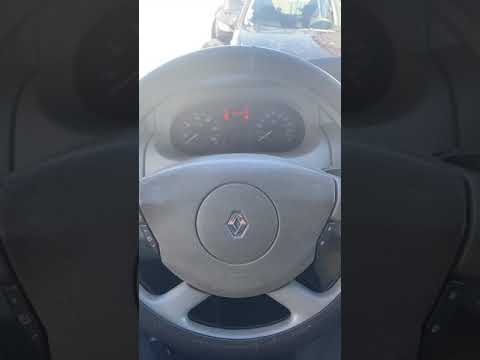
The operation of resetting the Service light on the Renault Trafic is done by turning on the instrument panel, turning the key inside the ignition bl…
Renault Trafic
(2001-2014 /
MK 2)
The procedure for resetting the Service light on the Renault Trafic involves turning on the instrument panel by inserting the key into the ignition s…
Other guides you may be interested in
|
Frequently Asked QuestionsHow to Replace the Diesel Filter on a Fiat Freemont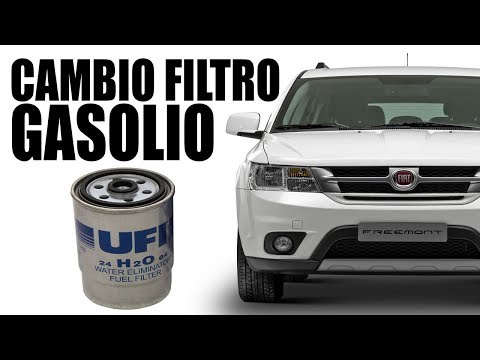
How to replace the diesel filter on a Fiat Freemont? In this video, we will show the replacement: open the car door and pull up the engine compartment release lever located at the bottom left of the dashboard, lift the front bonnet and secure it. Remove the engine soundproofing panel, then use a socket to unscrew the bolts on the plate that supports the filter (disconnect the wires and various pipes from the filter) where it is located. Extract the diesel filter and replace it with a new one. Finally, reassemble the diesel filter container (connect the pipes and wires) and tighten the screws. Close the front bonnet at the end. by ScegliAuto More videos
|
|
For advertising on this site Write to info@scegliauto.com
ScegliAuto is not responsible for any inaccuracy of the data in the lists. To report any inaccuracy or your business (if you own the business in question), please write to info@scegliauto.com
Number of seconds to generate the page: 0.108
(c) ScegliAuto 2026 - info@scegliauto.com - Privacy policy VAT number: IT01247470535 |
