
|
Do it yourself
| |||
| ||||


Service manual for the Renault Kangoo MK1 - in Spanish
Model: Renault Kangoo
MK 1, KC, KW
- Years 1997-2008
In this video, we can see the service manual of the Renault Kangoo MK1 version in Spanish. This is not the user manual for use and maintenance, but the workshop manual for the repairer. This manual can be of great help in case repairs need to be done, both for recognizing the various parts and for naming the parts. Through this manual, it is also possible to understand how to repair the various components, accessing the right tools to make the repairs, and the correct torque settings. A very useful tool also for DIY enthusiasts.
Posted on 28 June 2024 by ScegliAuto
Video tutorial
Related tutorials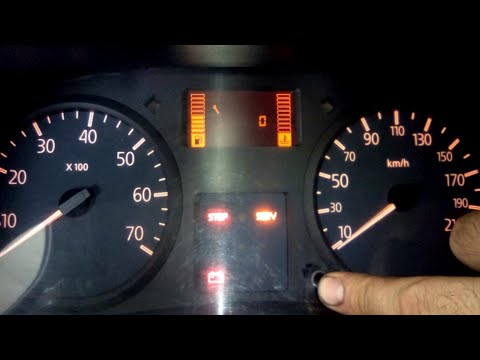
Renault Kangoo
(1997-2008 /
MK 1, KC, KW)
Manually resetting the service light on your first-generation Renault Kangoo (1997-2008) is very simple. Follow these steps to complete the operation…
Renault Kangoo
(2020-2026 /
KFK, MK 3, FFK)
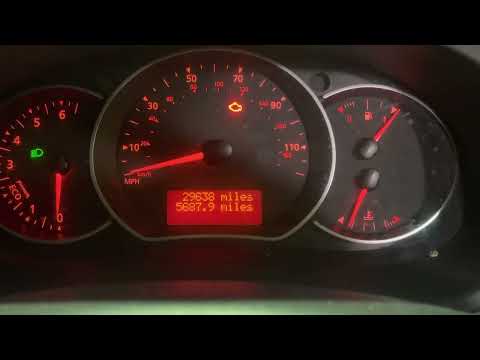
In this video, see how to reset the service reminder on the Renault Kangoo (the procedure is the same for the Nissan NV250). Use the "up" and "down" …

Renault Kangoo
(2007-2021 /
MK 2, FC, FW)
In today's video, we will see how to reset the service light on a Renault Kangoo, the initial model of the second generation. So let's start the proc…
Other guides you may be interested in
|
How to reset the tyre pressure warning light on the Suzuki Jimny?
To reset the tyre pressure warning light on the Suzuki Jimny, first inflate the tyres to the pressure value indicated on the corresponding sticker: this is located at the bottom of the driver's door pillar. Once the tyres are inflated, insert the ignition key and turn on the instrument panel: select the screen that indicates the tyre pressures, checking that the values change. After a few seconds, the tyre pressure warning light will automatically turn off. by ScegliAuto More videos
|
|
For advertising on this site Write to info@scegliauto.com
ScegliAuto is not responsible for any inaccuracy of the data in the lists. To report any inaccuracy or your business (if you own the business in question), please write to info@scegliauto.com
Number of seconds to generate the page: 0.380
(c) ScegliAuto 2026 - info@scegliauto.com - Privacy policy VAT number: IT01247470535 |
