
|
Do it yourself
| |||
| ||||


How to reset the service light in the Seat Ibiza?
Model: Seat Ibiza
6P, 6J
- Years 2008-2017
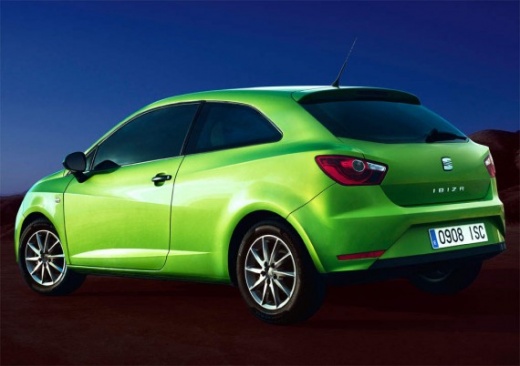
In this tutorial, we will see how to reset the service indicator in the Seat Ibiza, a very simple and quick operation that should only be done after completing all scheduled maintenance tasks. First, let's go inside the cabin, then insert the key but keep it in the initial position. Next, press and hold the "0.0/SET" button located in the center of the dashboard, turn on the instrument panel simultaneously, and after about two seconds, release the button and then press the left one. To complete the procedure, simply restart the vehicle.
Posted on 4 January 2026 by ScegliAuto
Video tutorial
Related tutorials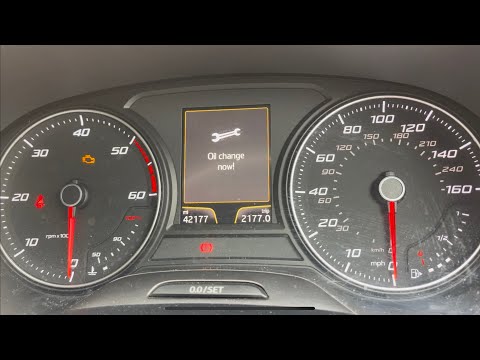
Seat Ibiza
(2008-2017 /
6P, 6J)
To correctly reset the service light on the instrument cluster of your 2014 Seat Ibiza, follow these simple steps. First, enter the cabin and take yo…
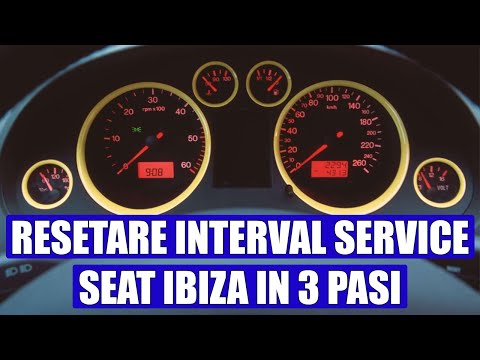
Seat Ibiza
(2002-2009 /
6L)
To reset the Service light on a Seat Ibiza, press and hold the button located on the central right side of the instrument cluster while it is off. Co…
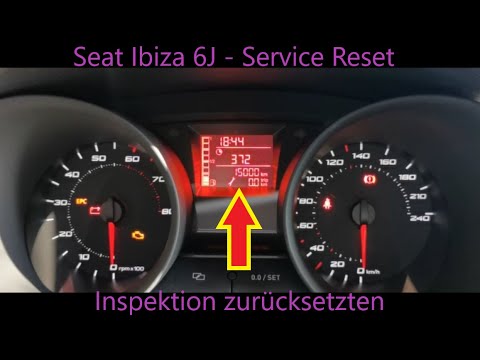
Seat Ibiza
(2008-2017 /
6P, 6J)
To reset the Service light on the Seat Ibiza, press the button marked "0.0/SET", located at the centre of the dashboard. While holding this button, t…
Other guides you may be interested in
|
How to replace the horn on a Renault Duster - Dacia Duster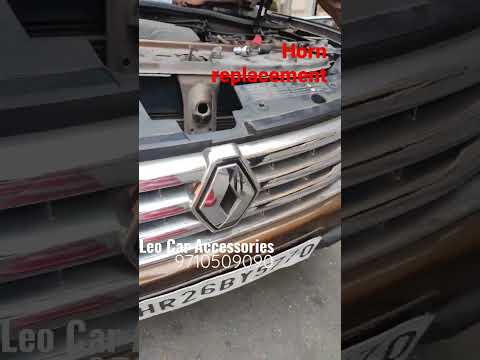
Today's main instructions will show you the procedure for removing and replacing the horn or sound signal on the Renault Duster, as well as the Dacia Duster. First, open the bonnet of the vehicle and start removing the front bumper by unscrewing all the fixing screws; you will find the horn right in front of the radiator, as shown in the video. At this point, disconnect the electrical connector and unscrew the bracket screw to remove and replace the horn with the new one; finally, reassemble the front bumper! by ScegliAuto More videos
|
|
For advertising on this site Write to info@scegliauto.com
ScegliAuto is not responsible for any inaccuracy of the data in the lists. To report any inaccuracy or your business (if you own the business in question), please write to info@scegliauto.com
Number of seconds to generate the page: 0.128
(c) ScegliAuto 2026 - info@scegliauto.com - Privacy policy VAT number: IT01247470535 |
