
|
Do it yourself
| |||
| ||||


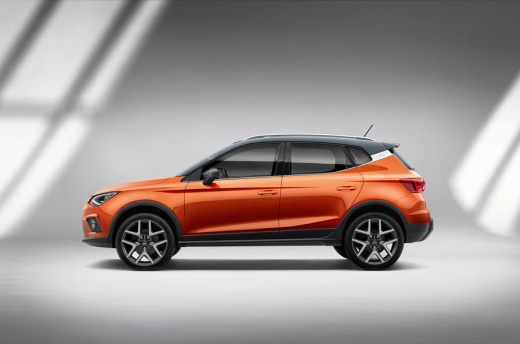
How to Reset the Factory Settings on the Seat Arona Infotainment
Model: Seat Arona
MK 1
- Years:
2017, 2018, 2019, 2020, 2021, 2022, 2023, 2024, 2025, 2026
Video tutorial
Let's see how to reset the fullLink (Apple CarPlay or Android Auto) on the Seat Arona: press the "Menu" button at the bottom right of the screen and select the "System" option. Scroll down the settings and select "Factory settings". In the list, choose "fullLink". A confirmation window will appear where you need to tap "reset". This will restore the "fullLink" system to its original settings. All pairings with devices will be deleted, and the settings for Apple CarPlay or Android Auto will revert to default, so you will need to re-pair your smartphone as if it were the first time.
Posted on 5 July 2026 by ScegliAuto
Related tutorials
Seat Arona
(2017-2026 /
MK 1)
To reset the car radio of a Seat Arona, start by turning on the car and making sure the car radio is on. Use the physical buttons located next to the…

Seat Arona
(2017-2026 /
MK 1)
Let's see how to reset the tyre warning light on the Seat Arona: first, ensure that the tyre pressures are correctly set to the recommended values; t…

Seat Arona
(2017-2026 /
MK 1)
If you want to change the system language used on the instrument panel and infotainment system display of your Seat Arona, all you have to do is care…
Other guides you may be interested in |
How to Reset the Tyre Pressure Warning Light on a Kia Rio?
The tyre pressure warning light displayed on the instrument cluster of the Kia Rio can be reset by inflating the tyres until they reach the recommended pressure value: this value is indicated on the sticker affixed to the driver's door pillar. Once all tyres have been inflated to the recommended pressure, turn on the ignition to check that the light has disappeared: if it is still present, it may be necessary to drive for a few miles, allowing the sensors to work and thus turning off the light. by ScegliAuto More videos
|
|
For advertising on this site Write to info@scegliauto.com
ScegliAuto is not responsible for any inaccuracy of the data in the lists. To report any inaccuracy or your business (if you own the business in question), please write to info@scegliauto.com
Number of seconds to generate the page: 0.018
(c) ScegliAuto 2026 - info@scegliauto.com - Privacy policy VAT number: IT01247470535 |
