
|
Do it yourself
| |||
| ||||


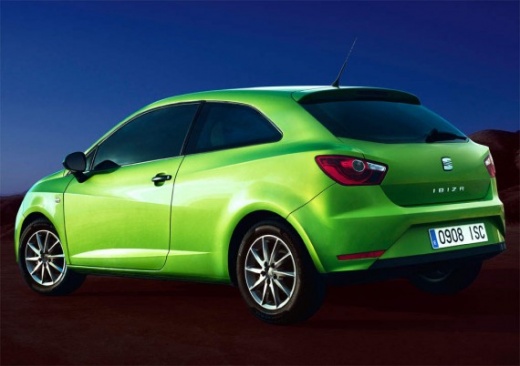
How to reset the service in the Seat Ibiza?
Model: Seat Ibiza
6J, 6P
- Years 2008-2017
In this tutorial we can see how to reset the service in the Seat Ibiza, a very simple operation, to be carried out only after completing all the required maintenance work. First of all, insert the key but leave it in the initial position, then hold down the key with the wording "0.0 / SET", placed in the center of the dashboard, and at the same time turn on the instrument panel. At this point, keep the button pressed for about 5 seconds, then release it and press the one on its left. We restart the instrument panel and check that the operation has been successful.
Posted on 29 March 2022 by ScegliAuto
Video tutorial
Related tutorials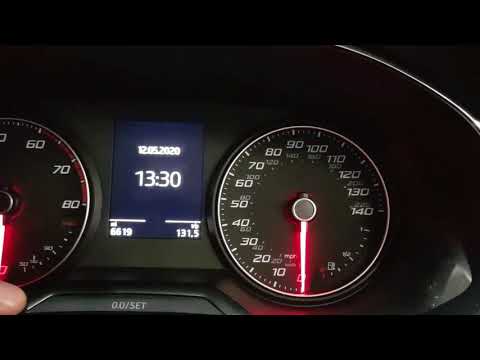
Seat Ibiza
(2017-2026 /
KJ, 6F)
In today's video we see how to reset the service warning light of the Seat Ibiza currently on sale. First of all, remember to proceed only after carr…
Seat Ibiza
(2017-2026 /
KJ, 6F)
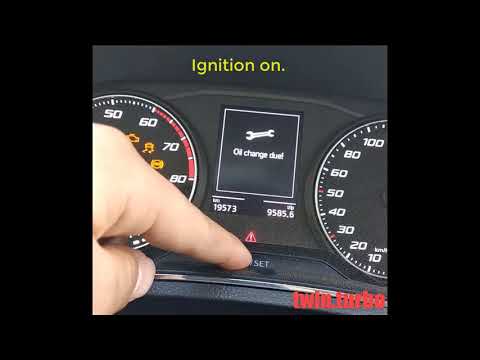
.. In this tutorial we can see how to reset the service in the Seat Ibiza, a very simple and fast operation, to be carried out only.. …
Seat Ibiza
(2002-2009 /
6L)
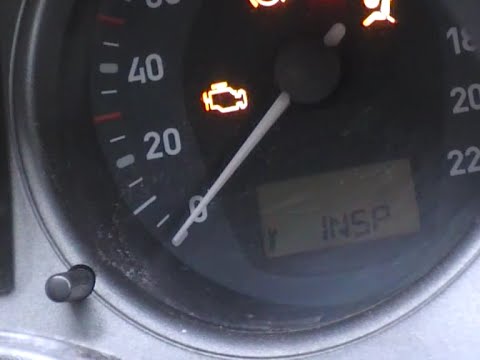
.. In this tutorial we can see how to reset the service in the Seat Ibiza, an extremely simple and fast operation. Before proceeding,.. …
Other guides you may be interested in
|
How to Replace the Handbrake Button on a Renault Scenic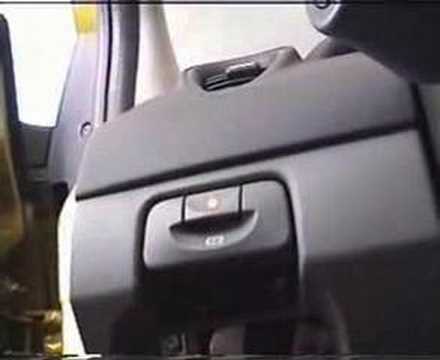
To remove the handbrake, start by taking off the lower parts, beginning with the side panel. Use a plastic lever to lift the panel. Now, to remove the glove compartment, open it and pull it towards you. Next, remove the brightness controls for the dashboard and external lights. You can extract it by pushing from the inside and disconnect the plugs at the back. This allows you to unscrew the bolts securing the handbrake lever. Now, remove the screw that secures the panel where the handbrake is attached. You can now gently pull out the handbrake and disconnect the plug at the back. by ScegliAuto More videos
|
|
For advertising on this site Write to info@scegliauto.com
ScegliAuto is not responsible for any inaccuracy of the data in the lists. To report any inaccuracy or your business (if you own the business in question), please write to info@scegliauto.com
Number of seconds to generate the page: 0.131
(c) ScegliAuto 2026 - info@scegliauto.com - Privacy policy VAT number: IT01247470535 |
