
|
Do it yourself
| |||
| ||||


Where is the Fuse Box of the 2004 Seat Ibiza?
Model: Seat Ibiza
6L
- Years:
2002, 2003, 2004, 2005, 2006, 2007, 2008, 2009
Video tutorial
Knowing the exact location of the fuse box in your 2004 Seat Ibiza is very important as it allows you to intervene promptly and directly on the various electrical components of the car. All you need to do is follow the steps described below. First, park your Ibiza safely and turn it off completely. Go to the driver's side and leave the door open to access the left end of the dashboard. Remove the plastic panel present, and just behind it, you will finally have access to the fuses.
Updated on 18 July 2026 by ScegliAuto
Related tutorials
Seat Ibiza
(2002-2009 /
6L)
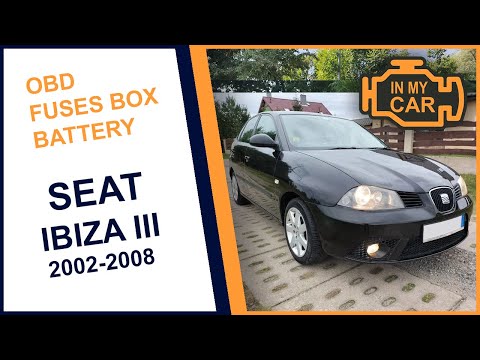
In today's video, we will see where the fuse box is located and what the main fuses are in the third series Seat Ibiza. It is useful to know in case …
Seat Ibiza
(2002-2009 /
6L)
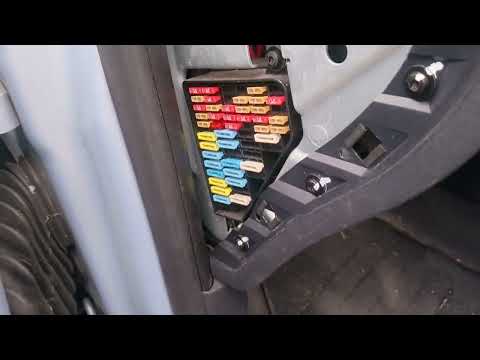
If you do not know where the fuse box is located in your Seat Ibiza, this guide will surely help remove any doubts. First, ensure that the car is com…
Seat Ibiza
(2008-2017 /
6J, 6P)
In this new mini guide for Seat Ibiza Mk3 owners, you will discover where the fuse box is located. This way, you can safely and accurately address on…
Other guides you may be interested in
|
How to Remove the Toll Tag Holder from the Car Windscreen
The toll tag holder is usually attached to the car windscreen to ensure that the toll tag functions immediately when passing through barriers. However, if you decide to remove the holder, you should follow this procedure: - Insert the toll tag into the holder; - Pull the holder inwards to detach it from the windscreen; you can use a glass scraper or a stiff plastic card to assist you; After removing the holder, it is essential to remove the adhesive from the windscreen. To remove the adhesive, we recommend using a solvent-based spray that will remove the glue without clouding the area. by ScegliAuto More videos
|
|
For advertising on this site Write to info@scegliauto.com
ScegliAuto is not responsible for any inaccuracy of the data in the lists. To report any inaccuracy or your business (if you own the business in question), please write to info@scegliauto.com
Number of seconds to generate the page: 0.111
(c) ScegliAuto 2026 - info@scegliauto.com - Privacy policy VAT number: IT01247470535 |
