
|
Do it yourself
| |||
| ||||


Resetting the service indicator on a Seat Alhambra
Model: Seat Alhambra
MK 2
- Years 2010-2020
Today you will be able to see, through this very useful video guide, how to proceed to reset the service indicator on a Seat Alhambra, second generation model produced from 2010 to 2020. Well, let's start the procedure by turning on the vehicle's ignition without starting the engine, then we open the menu on the information display and through the keypad on the right side of the steering wheel we select the "service" option, then we continue by selecting the "reset" option and finally we confirm the operation to execute and complete the reset. Once done, we restart the vehicle to verify the successful completion of the procedure.
Posted on 15 July 2024 by ScegliAuto
Video tutorial
Related tutorials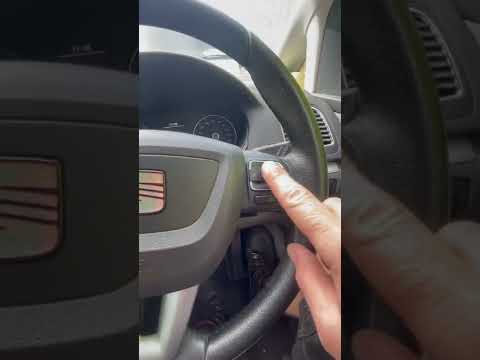
Seat Alhambra
(2010-2020 /
MK 2)
Let's see today thanks to this very short video guide how to reset the oil light on a second-generation Seat Alhambra, model produced from 2010 to 20…
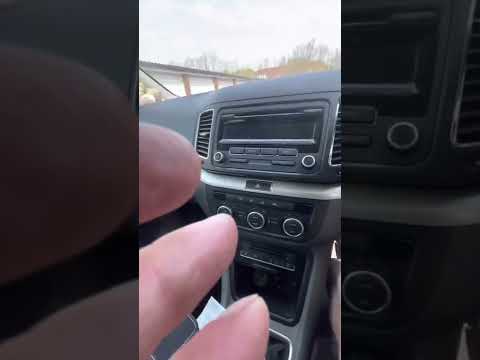
Seat Alhambra
(2010-2020 /
MK 2)
In our new mini guide dedicated to your 2014 Seat Alhambra we will explain how to reset the service warning light completely manually and without the…

Seat Alhambra
(2010-2020 /
MK 2)
Resetting the tire pressure light in the Seat Alhambra, as we can see in this tutorial, is an extremely simple and quick operation. Before proceeding…
Other guides you may be interested in
|
How to Reset Service Light on Fiat 500L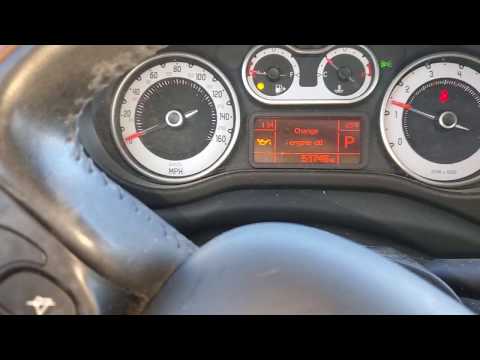
How to remove the service light on a Fiat 500L? Let's see how to do it. Enter the vehicle and turn on the instrument panel. Press the accelerator pedal six times in a row, then release the pedal. Turn off the instrument panel and remove the key from the ignition. Reinsert the key and turn on the instrument panel, then wait for it to illuminate. Check the changes made to the car and see if the light has disappeared. Always remember to carry out onboard computer modifications with the engine off. Perform the reset safely. by ScegliAuto More videos
|

|
For advertising on this site Write to info@scegliauto.com
ScegliAuto is not responsible for any inaccuracy of the data in the lists. To report any inaccuracy or your business (if you own the business in question), please write to info@scegliauto.com
Number of seconds to generate the page: 0.114
(c) ScegliAuto 2026 - info@scegliauto.com - Privacy policy VAT number: IT01247470535 |
