
|
Do it yourself
| |||
| ||||



How do you reset the service warning light on a Škoda Kodiaq?
Model: Skoda Kodiaq
- Years:
2017, 2018, 2019, 2020, 2021, 2022, 2023
Video tutorial
Insert the key into the ignition and switch on the instrument panel. Use the buttons on the right-hand steering wheel spoke to navigate the menu on the display. Press and hold the confirmation button on the right-hand spoke to open the Service menu, then select "Reset oil service". This clears the service warning light from the instrument panel. Switch off the display to complete the procedure.
Posted on 28 November 2026 by ScegliAuto
Related tutorials
Skoda Kodiaq
(2017-2023 /
MK 1)
To reset the Service light on a Škoda Kodiaq, turn on the ignition to access the menu on the display in the centre of the dashboard: select "Settings…

Skoda Kodiaq
(2017-2023 /
MK 1)
The procedure to reset the Service light on the Škoda Kodiaq is performed by turning on the instrument panel, allowing access to the menu on the disp…

Skoda Kodiaq
(2024-2026 /
MK 2)
You can clear the Service light on a Škoda Kodiaq by turning on the instrument cluster using the corresponding button. Once the cluster is on, naviga…
ScegliAuto offers an extensive international collection of automotive tutorials available in 12 languages. Each guide combines instructional videos with original explanations written by experienced human editors, along with information about the car models covered.
Other guides you may be interested in
|
How to Reset the Trip Meter on the Volkswagen T-Roc?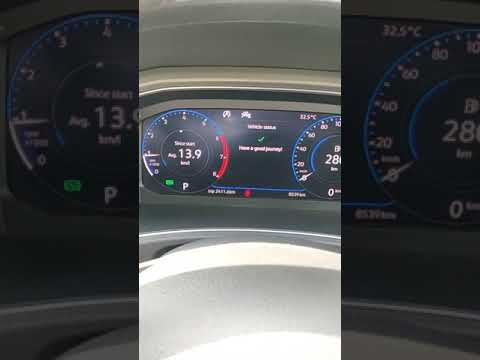
To reset the trip meter on the Volkswagen T-Roc, first turn on the instrument cluster to access the options on the onboard computer. Use the arrow controls on the right side of the steering wheel to navigate through the menu. Scroll until you see the kilometres travelled since the last trip meter reset: once this value is displayed, press and hold the OK button on the right side of the steering wheel until the trip meter resets. by ScegliAuto More videos
|
|
For advertising on this site Write to info@scegliauto.com
ScegliAuto is not responsible for any inaccuracy of the data in the lists. To report any inaccuracy or your business (if you own the business in question), please write to info@scegliauto.com
Number of seconds to generate the page: 0.187
(c) ScegliAuto 2026 - info@scegliauto.com - Privacy policy - About us VAT number: IT01247470535 |
