
|
Do it yourself
| |||
| ||||


How to Reset the TPMS Light on the Skoda Fabia
Model: Skoda Fabia
Mark3, NJ
- Years 2014-2021
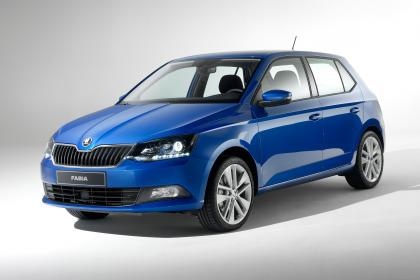
The TPMS sensor plays an important role in automatically detecting the tyre pressure of your car in real-time. Various reasons can cause reading issues, leading to the TPMS warning light appearing on the dashboard. In these cases, it is necessary to reset it manually. First, turn on the car and press the "Car" button located to the right of the radio. Then press the "Setup" icon in the bottom right and subsequently select "Tyres". Finally, press "Set" and confirm that you want to perform the reset when prompted. You can then exit the menu.
Updated on 7 June 2026 by ScegliAuto
Video tutorial
Related tutorials
Skoda Fabia
(2014-2021 /
Mark3, NJ)
If the orange tyre light (TPMS light) continues to appear on the dashboard of your Skoda Fabia third generation, it means the control unit has detect…

…

Skoda Fabia
(2014-2021 /
Mark3, NJ)
If you own a Skoda Fabia third series and the TPMS light appears on the instrument display without a puncture, you need to perform a manual reset. St…
Other guides you may be interested in
|
How to reset the tyre pressure warning light on the Suzuki Jimny?
To reset the tyre pressure warning light on the Suzuki Jimny, first inflate the tyres to the pressure value indicated on the corresponding sticker: this is located at the bottom of the driver's door pillar. Once the tyres are inflated, insert the ignition key and turn on the instrument panel: select the screen that indicates the tyre pressures, checking that the values change. After a few seconds, the tyre pressure warning light will automatically turn off. by ScegliAuto More videos
|
|
For advertising on this site Write to info@scegliauto.com
ScegliAuto is not responsible for any inaccuracy of the data in the lists. To report any inaccuracy or your business (if you own the business in question), please write to info@scegliauto.com
Number of seconds to generate the page: 0.230
(c) ScegliAuto 2026 - info@scegliauto.com - Privacy policy VAT number: IT01247470535 |
