
|
Do it yourself
| |||
| ||||


How to Reset the Service Light on a Skoda Fabia
Model: Skoda Fabia
6Y, Mark1
- Years 1999-2007
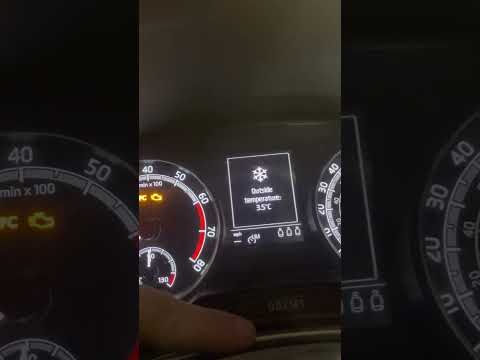
In today's video, we will see how to reset the service light on the first series Skoda Fabia. Press and hold the button located on the right side of the dashboard. Then turn the ignition key. After a few seconds, release the button and turn it to the right. At this point, your vehicle will reset the required parameter. You can then finish by turning off your vehicle. As you have seen, this is a quick and easy operation to perform on the car. Remember to only intervene after carrying out the recommended maintenance.
Updated on 26 June 2026 by ScegliAuto
Video tutorial
Related tutorials
Skoda Fabia
(2007-2014 /
Mark2, 5J)
In this new guide dedicated to all of you who own a second series Skoda Fabia, we will help you complete the manual reset procedure of the service li…

Skoda Fabia
(1999-2007 /
6Y, Mark1)
If you own a first-generation Skoda Fabia (1999-2007) and want to manually reset the service light that remains illuminated on the dashboard, follow …
Skoda Fabia
(2014-2021 /
Mark3, NJ)
If you own a third-generation Skoda Fabia (2019) and want to manually reset the service light on the dashboard, follow these steps. First, enter the …
Other guides you may be interested in
|
How to Open the Bonnet on the Lancia Y
To open the bonnet on this vehicle, follow these simple instructions: first, open the driver's door and locate the lever positioned just below the dashboard, marked with an image of the vehicle with the bonnet open. Pull this lever towards you until you hear a "click" indicating the bonnet is released. Next, exit the cabin and stand in front of the bonnet to disengage the safety catch and complete the opening. To do this, slightly lift the bonnet, locate the yellow lever underneath, and pull it to the left to fully release and open the bonnet. by ScegliAuto More videos
|
|
For advertising on this site Write to info@scegliauto.com
ScegliAuto is not responsible for any inaccuracy of the data in the lists. To report any inaccuracy or your business (if you own the business in question), please write to info@scegliauto.com
Number of seconds to generate the page: 0.240
(c) ScegliAuto 2026 - info@scegliauto.com - Privacy policy VAT number: IT01247470535 |
