
|
Do it yourself
| |||
| ||||


How do you reset the Service light on the Smart 451?
Model: Smart Smart
451
- Years 2007-2015
In order to reset the Service light of the Smart 451, you need to press and hold the button located on the left side of the instrument panel while it is turned off. While continuing to hold the button, you can insert the ignition key into the ignition switch and turn it to turn on the instrument panel. After holding the button for a few seconds, you will notice that the wrench light will completely disappear from the instrument panel. Finally, you can turn off the instrument panel by turning the key to complete the operation.
Posted on 16 September 2024 by ScegliAuto
Video tutorial
Related tutorials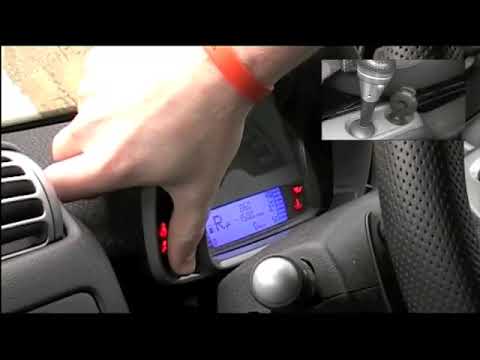
Smart
(2007-2015 /
451)
In order to successfully complete the manual reset of the service light on the instrument panel of your Smart 451, you must follow all the steps desc…
Smart
(2007-2015 /
451)
The operation of resetting the Service light of the Smart 451 is done by turning on the instrument panel by turning the key and then quickly pressing…
Smart
(2007-2015 /
451)
The Smart 451 service warning light is reset by holding down the button located on the left side of the instrument panel. While holding it down, it w…
Other guides you may be interested in
|
How to Replace the Window Regulator on the Mercedes W124
First, remove the door panel of the affected door and lower the window to about 0.4 in from the seal. Then, proceed to remove the speaker by unscrewing the bolts that secure it, and gently pull off any additional protective panel. Disconnect any plugs from the controls and remove the rivets that secure the window lift mechanism. This will allow you to unscrew the bolts that secure the window's cross mounting system. Remove the entire assembly and replace it by reversing the steps described. by ScegliAuto More videos
|

|
For advertising on this site Write to info@scegliauto.com
ScegliAuto is not responsible for any inaccuracy of the data in the lists. To report any inaccuracy or your business (if you own the business in question), please write to info@scegliauto.com
Number of seconds to generate the page: 0.100
(c) ScegliAuto 2026 - info@scegliauto.com - Privacy policy VAT number: IT01247470535 |
