
|
Do it yourself
| |||
| ||||


Replacing Damaged Bulbs on the Front Headlamp of a Smart Fortwo
Model: Smart Smart
451
- Years 2007-2015
This guide shows how to replace damaged bulbs on the front headlamp of a Smart Fortwo. Once you have removed the bodywork section as shown in the video, locate the inspection caps at the back of the headlamp and remove them. Next, perform the same operation for the bulbs with the bulb holders, extracting the damaged bulbs that need replacing. Fit the new bulbs (ensure they are the correct type and size) and insert the bulb holders into their respective slots in the headlamp. Finally, secure the metal clips on the bulb holders located in the headlamp. Refit the front bonnet cover. Test the lights to ensure they are functioning correctly.
Updated on 28 February 2026 by ScegliAuto
Video tutorial
Related tutorials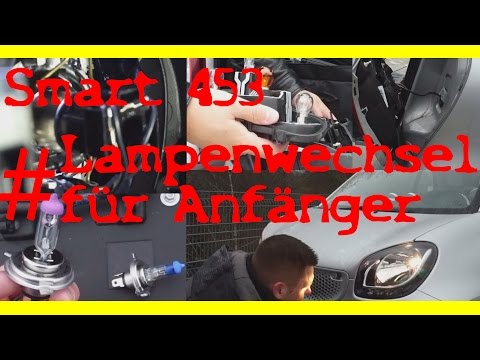
Smart
(2014-2022 /
453)
Replace the damaged bulbs in the front headlight of a Smart Fortwo: remove the front bonnet as shown in the video, reach in and disconnect the bulb f…
Smart
(2007-2015 /
451)
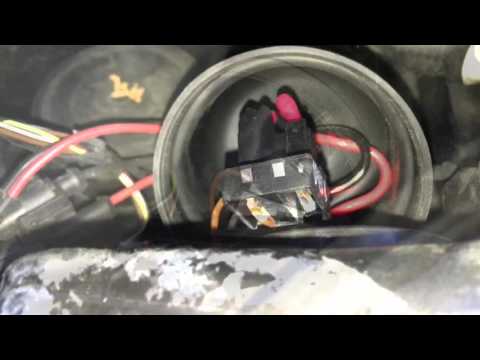
Do we want to remove the damaged bulbs of the Smart Fortwo? To begin we remove the front hood of the Smart and find the rear cover of the headlights.…
Smart
(1998-2007 /
450)
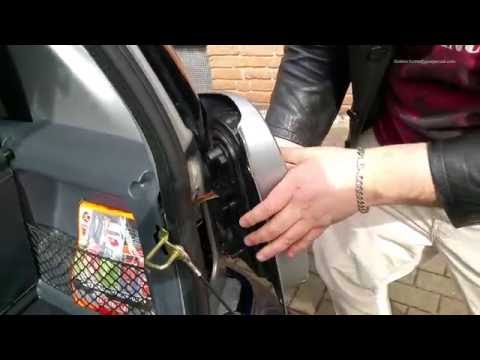
How do you replace the rear light bulbs on a Smart Fortwo? In this video, learn how to replace damaged bulbs: open the boot lid, and using a screwdri…
Other guides you may be interested in
|
How to Install Roof Bars on a Fiat 500X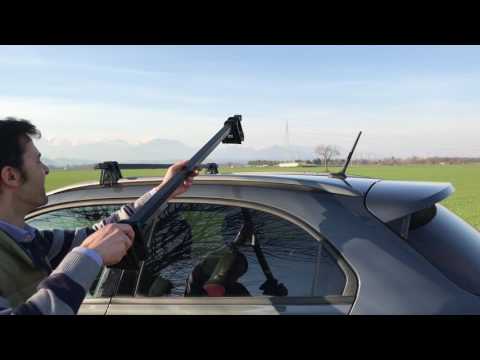
Learn how to equip your car with universal roof bars. Universal roof bars are used on cars with and without roof rails (fixed bars secured to the car roof). Install the roof bar kit as shown in the video with the bars calibrated according to the width of the car. Position the brackets at both ends of the doors on the car's original roof rails. Once the width of the anchoring brackets is adjusted, tighten the bolts with the butterfly nut (if a lock is present) until fully secured to the roof rails. Finally, apply the safety caps on your Fiat. by ScegliAuto More videos
|

|
For advertising on this site Write to info@scegliauto.com
ScegliAuto is not responsible for any inaccuracy of the data in the lists. To report any inaccuracy or your business (if you own the business in question), please write to info@scegliauto.com
Number of seconds to generate the page: 0.062
(c) ScegliAuto 2026 - info@scegliauto.com - Privacy policy VAT number: IT01247470535 |
