
|
Do it yourself
| |||
| ||||


How to remove the bumpers (front and rear) of the Smart Fortwo
Model: Smart Smart
450
- Years:
1998, 1999, 2000, 2001, 2002, 2003, 2004, 2005, 2006, 2007
Video tutorial
The following steps will show us how to disassemble and remove the bumpers (front and rear) of the Smart Fortwo. Let's start by disassembling the rear bumper, unscrewing the fixing screws found on both sides of the front wheel arches; for the disassembly of the front bumper, it is necessary to remove the screws located under the bumper and above the front fenders, as shown in the video. At this point, if necessary, we replace the bumpers with new ones, fixing them correctly; we check the sealing condition of the supports, following the video tutorial to the end!
Posted on 13 February 2025 by ScegliAuto
Related tutorials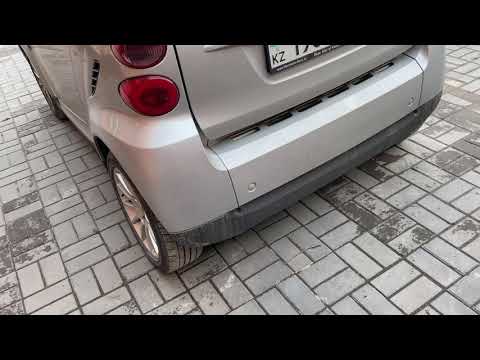
Smart
(2007-2015 /
451)
Before starting, open the rear hatch of the boot on your Smart ForTwo. Start by unscrewing and removing the screws that secure the rear bumper to the…
Smart
(2004-2006 /
Fourfour1, 454)
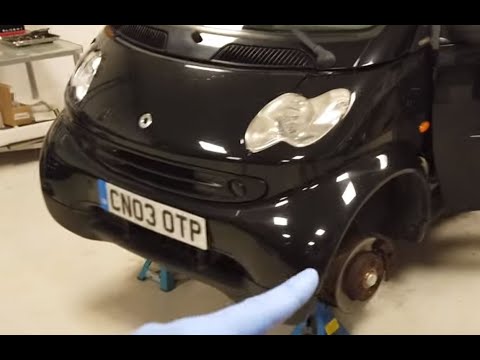
Before you start, open the doors of your Smart ForTwo. Begin by unscrewing and removing the screws that secure the front bumper along the lower pilla…
Smart
(2014-2022 /
453)
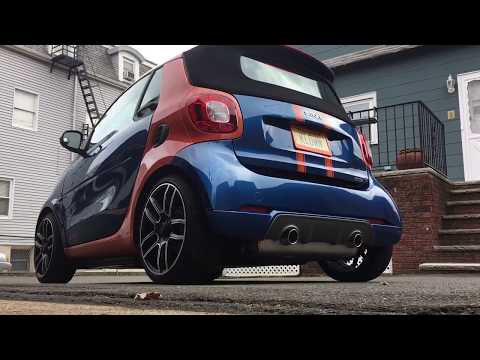
In this video, we will see the main instructions for removing the rear bumper on a Smart Fortwo 453 in simple and quick steps. First, remove the plas…
Other guides you may be interested in
|
How to Set the Time on an Audi A6
Briefly, we will see the instructions to set the time on the Audi A6 by following these simple steps. First, get inside the vehicle and turn on the instrument cluster; then press the settings button and navigate to the time option to confirm your choice, as shown in the video. At this point, set the correct time and format, then exit the settings menu to save the changes made; finally, start the engine and ensure that the time has been set correctly! by ScegliAuto More videos
|
|
For advertising on this site Write to info@scegliauto.com
ScegliAuto is not responsible for any inaccuracy of the data in the lists. To report any inaccuracy or your business (if you own the business in question), please write to info@scegliauto.com
Number of seconds to generate the page: 0.037
(c) ScegliAuto 2026 - info@scegliauto.com - Privacy policy VAT number: IT01247470535 |
